
Sheet music as PDF
PDFs and photos of sheet music become songs and play like chord charts.
Steps
- Import the PDF like a song, see Bring in your songs. It appears in the list and can be put into sets.
- Add key, tempo and duration under Song Info. Metronome and autoscroll then work for the PDF too.
- In a performance a PDF turns pages and scrolls like a chord chart, with pedal, pencil and sticky notes.
A PDF for a song with a chord chart
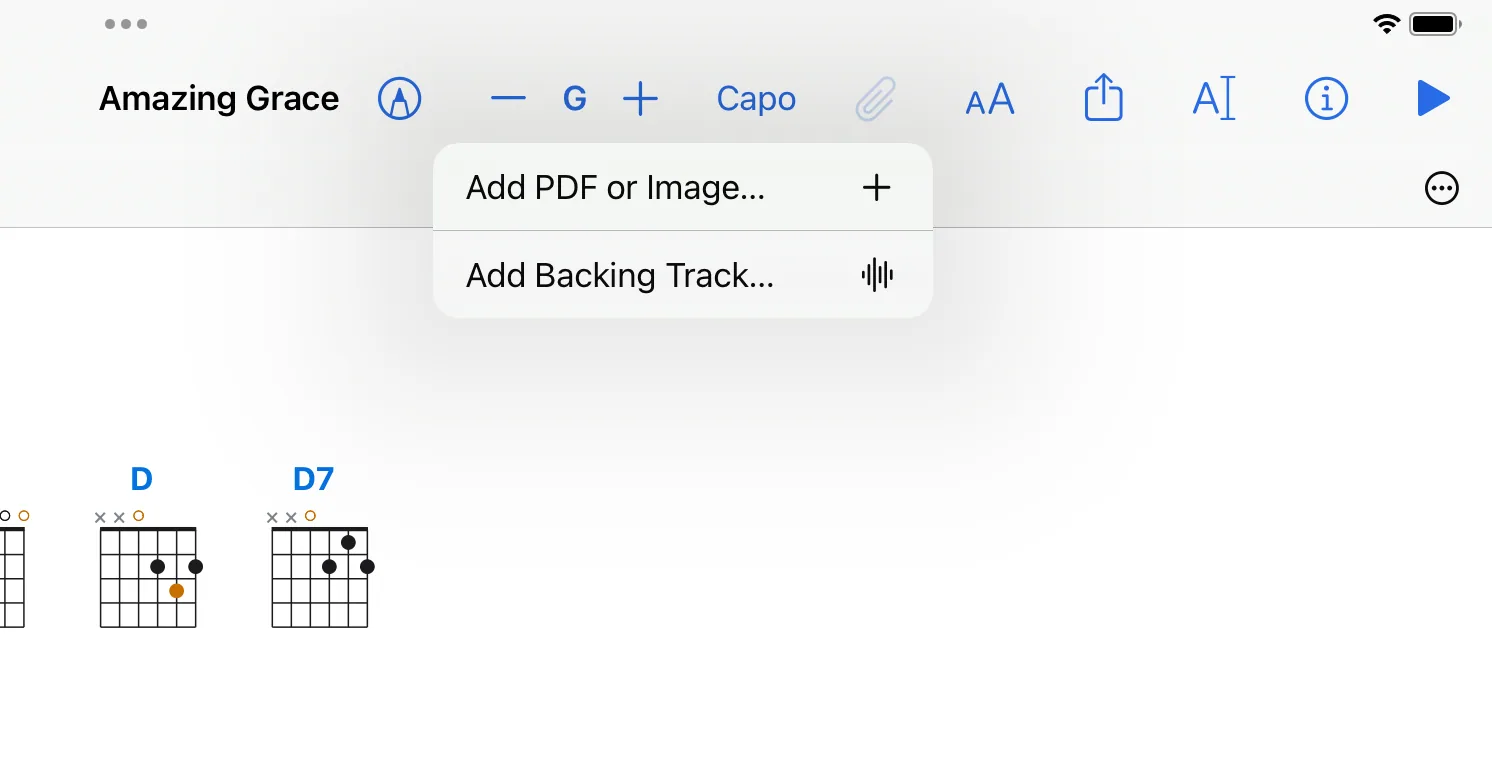
Open the song, tap the paper clip and choose Add PDF or Image…. The same menu then switches between the chord chart and the PDF.
Split a whole collection
- Import a PDF with many songs and open it.
- Tap the paper clip, then Split into Songs….
- The app suggests where each song begins and what it is called. You can correct this.
- If you like, the app also creates a set in the order of the collection: Also create a set with the songs in this order.
What does not work
Transposing and chord diagrams are not available for PDFs: a PDF is a picture of the notes.