
Write notes on the chart
Notes written by hand and sticky notes stay with their line of text.
By hand (iPad and iPhone)
- Open the song and tap the notes button: the pen in a circle, on the far left of the bar.
- Choose Draw Notes.
- Write with Apple Pencil or a finger, then tap Done.
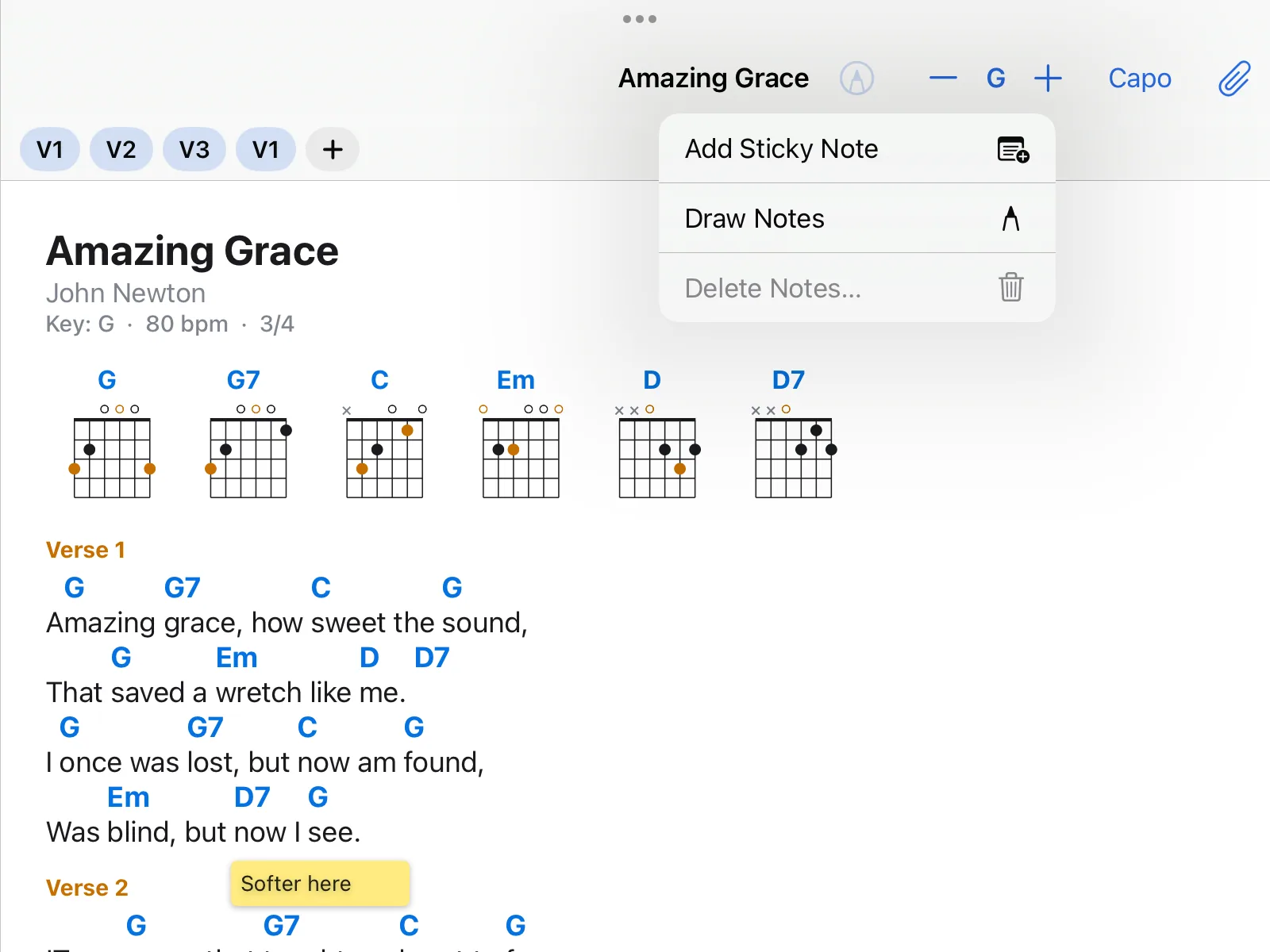
Sticky note
Tap the notes button and choose Add Sticky Note, or press and hold the spot on the chart. Type the text and choose a colour. You can move the note.
Notes stay with their line
On a chord chart every note belongs to its line of text. It stays there when you transpose, make the text larger or the chart wraps differently.
During a performance
Notes are shown during a performance. To add them there too, for rehearsals: Settings → General → Notes and Sticky Notes During a Performance.
What does not work
On the Mac you see all notes, but you cannot draw by hand there.