
The band on the same page
With Band Sync one device leads and the others follow: everyone sees the same song and the same page.
Steps
- Put all devices on the same Wi-Fi, or switch on Wi-Fi and Bluetooth and keep the devices close together. No internet is needed.
- On the leader’s device, in the sidebar: Band Sync → Lead the Band.
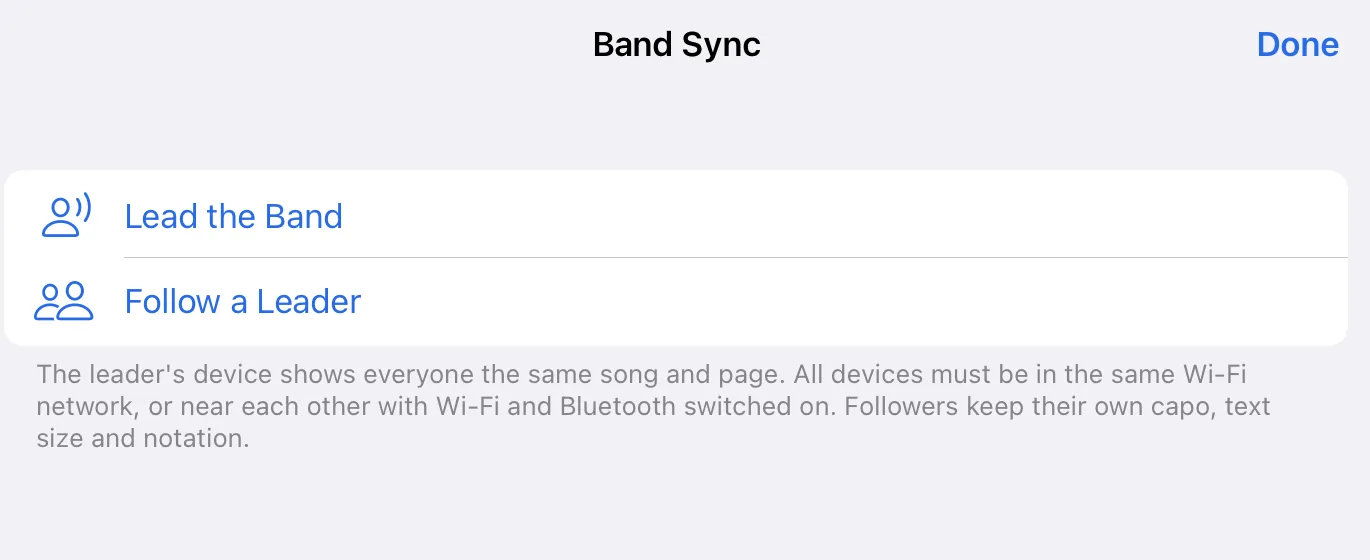
- On the other devices: Band Sync → Follow a Leader, then tap the leader.
- On the leader’s device, Let This Device Follow? appears. Tap Allow.
- The leader starts a performance. Everyone sees the same song and the same page, including songs they do not have themselves.
Good to know
- Everyone keeps their own capo, text size and notation.
- The first time, the system asks whether the app may find devices on the local network. Without this yes, the app finds no one.
- Every device needs the app.