
One chart, any key
Tap plus or minus and the song moves a semitone up or down. Every chord follows at once, with a capo too. The app remembers the key for each song, and separately for each set.
Your chord charts and sheet music, ready for rehearsal and for the stage.
For iPhone, iPad and Mac.
Coming soon to the App Store
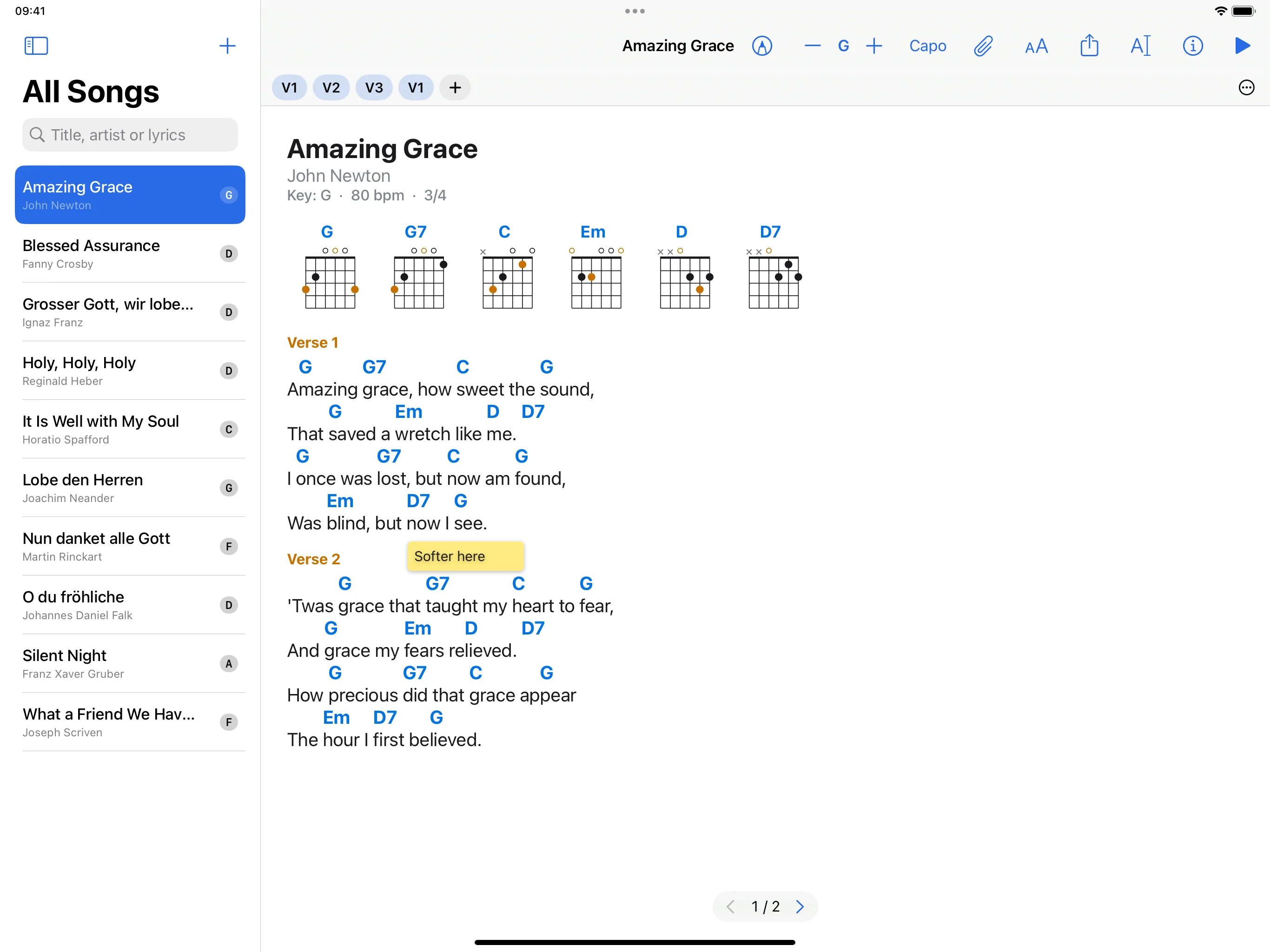
Tap plus or minus and the song moves a semitone up or down. Every chord follows at once, with a capo too. The app remembers the key for each song, and separately for each set.
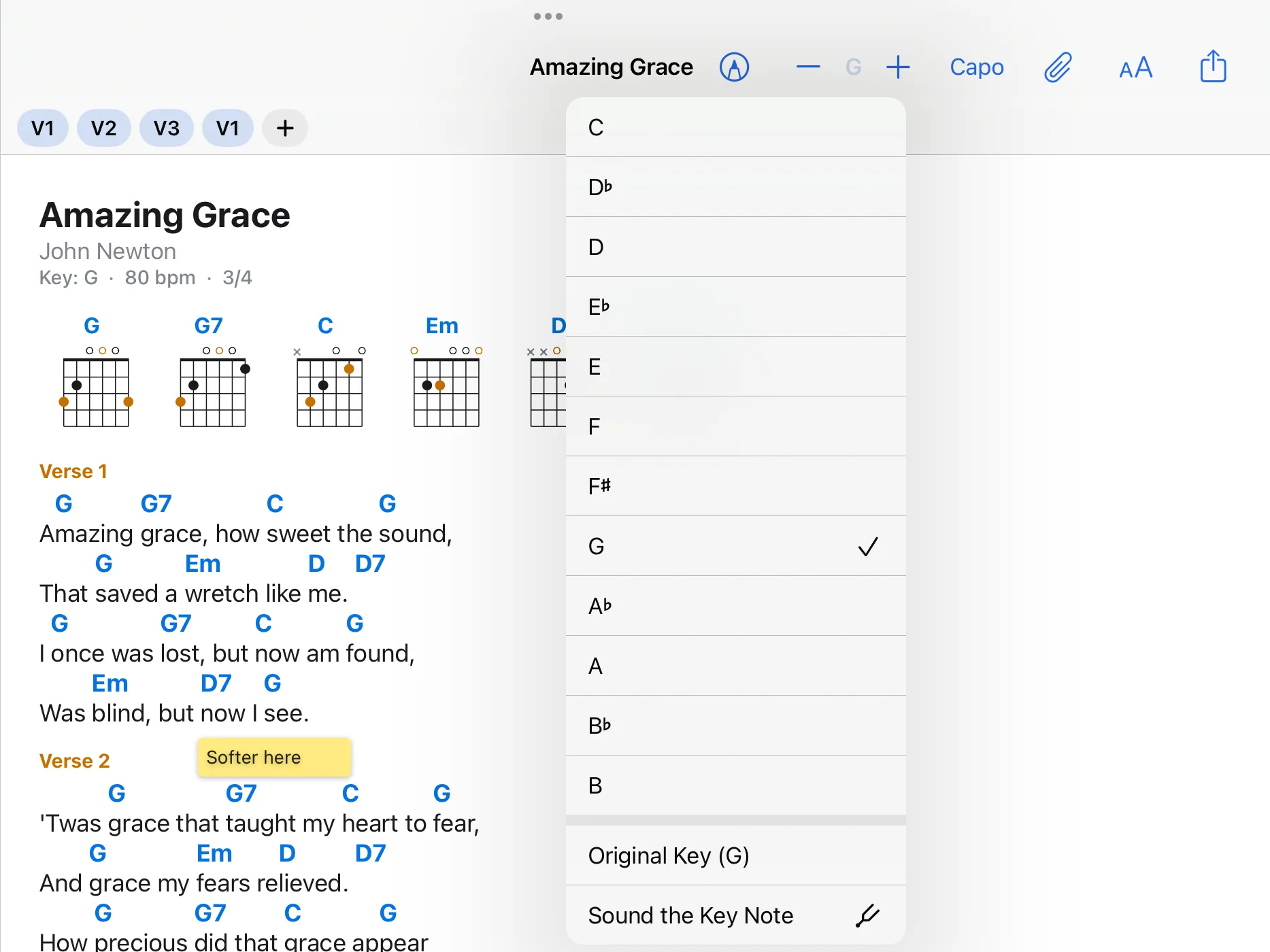
As letters, in German notation with H and B, as Nashville numbers, Roman numerals or solfège. In a band, everyone keeps their own notation.
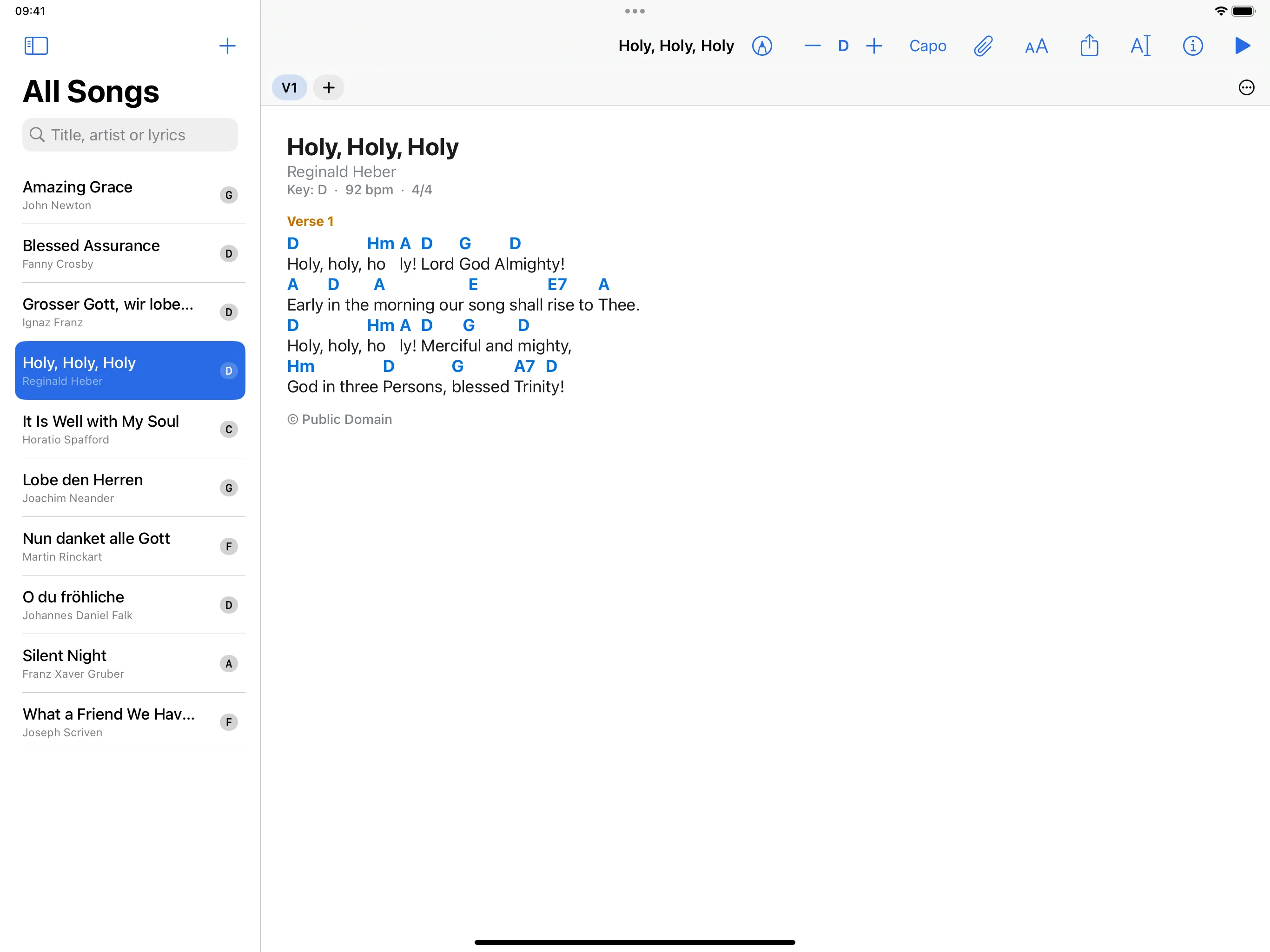
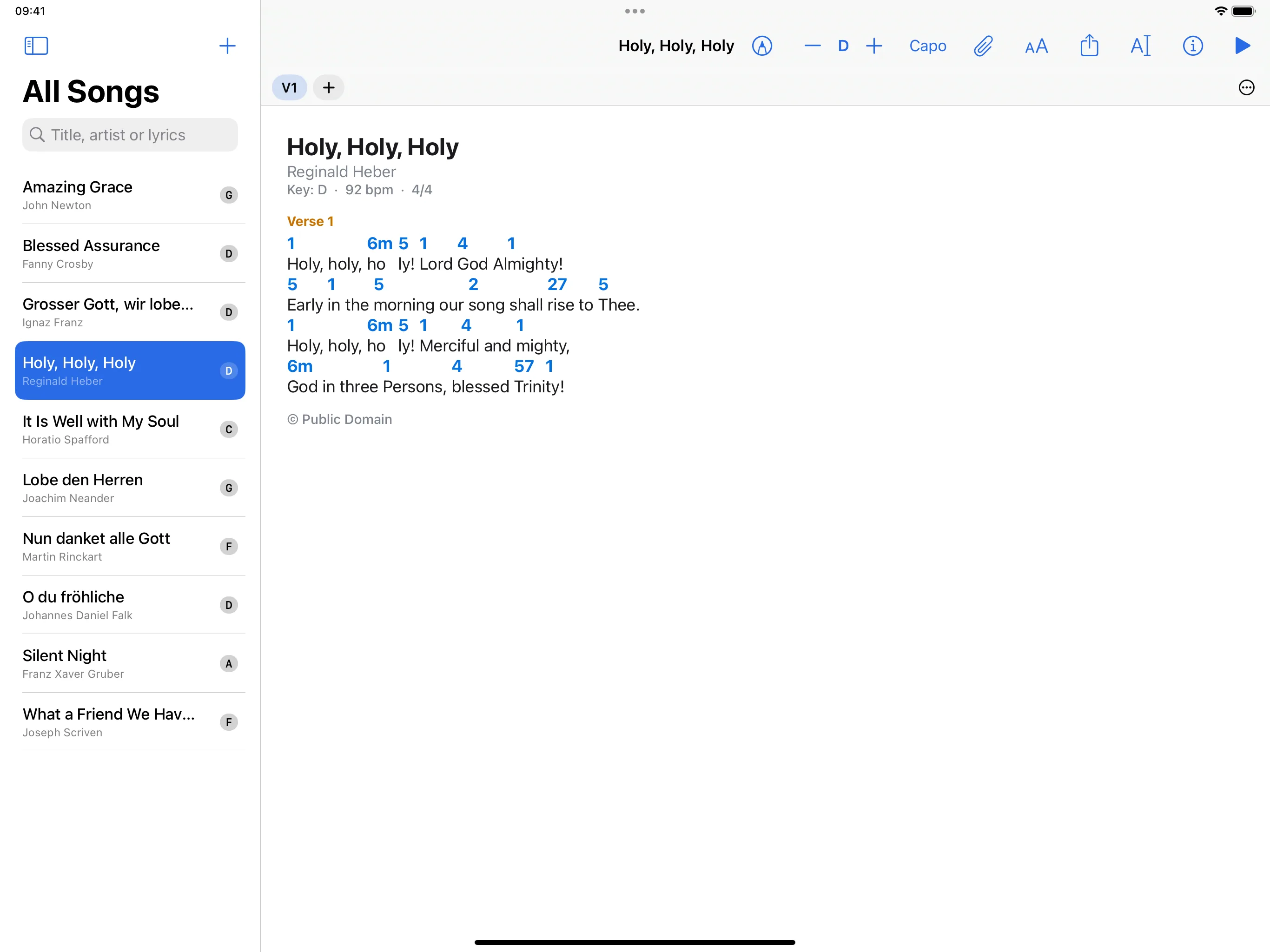
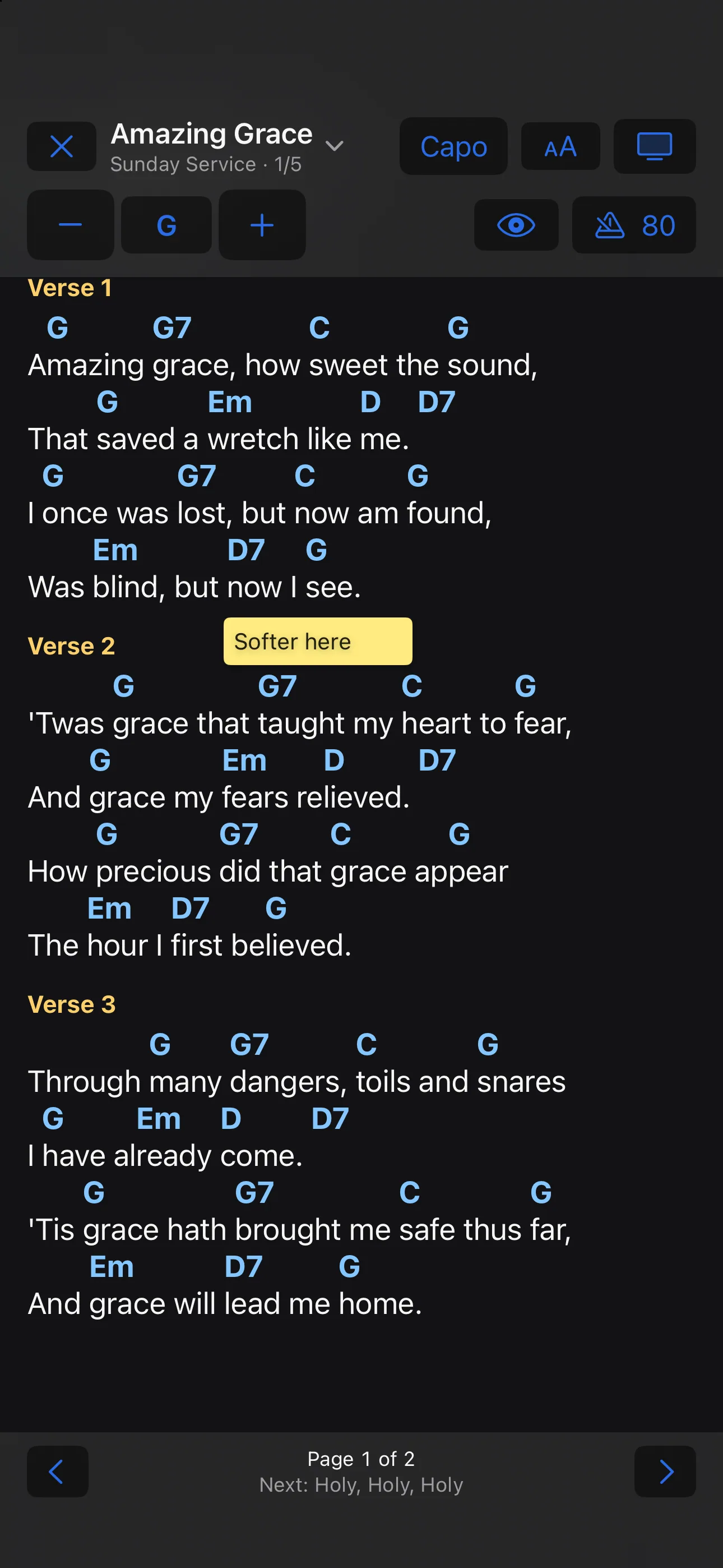
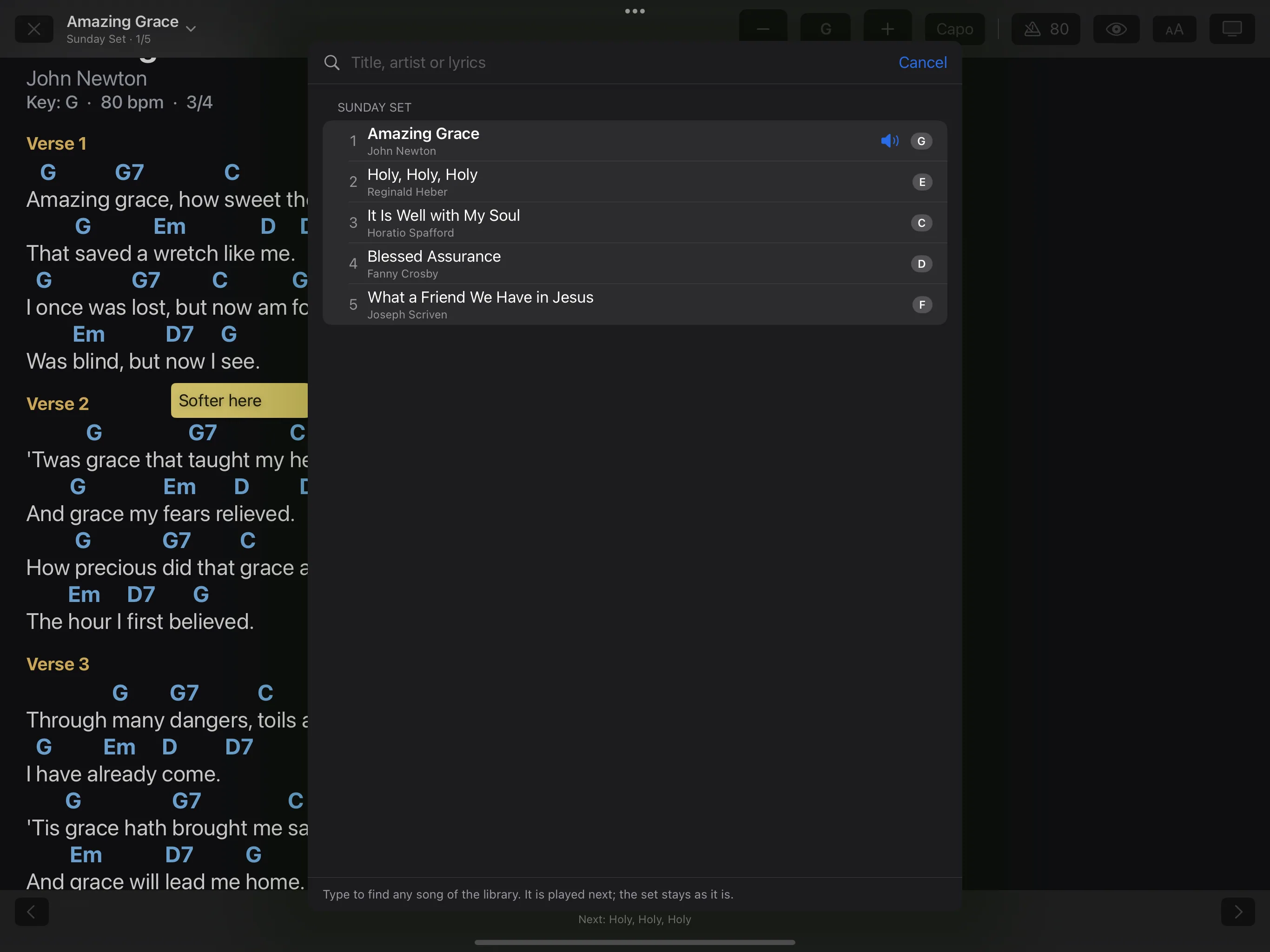
The performance view shows nothing but the chart. Turn pages with a tap, a swipe, a keyboard, a Bluetooth pedal or MIDI, and play the whole set in one run. When plans change, a tap on the song title brings up any other song.
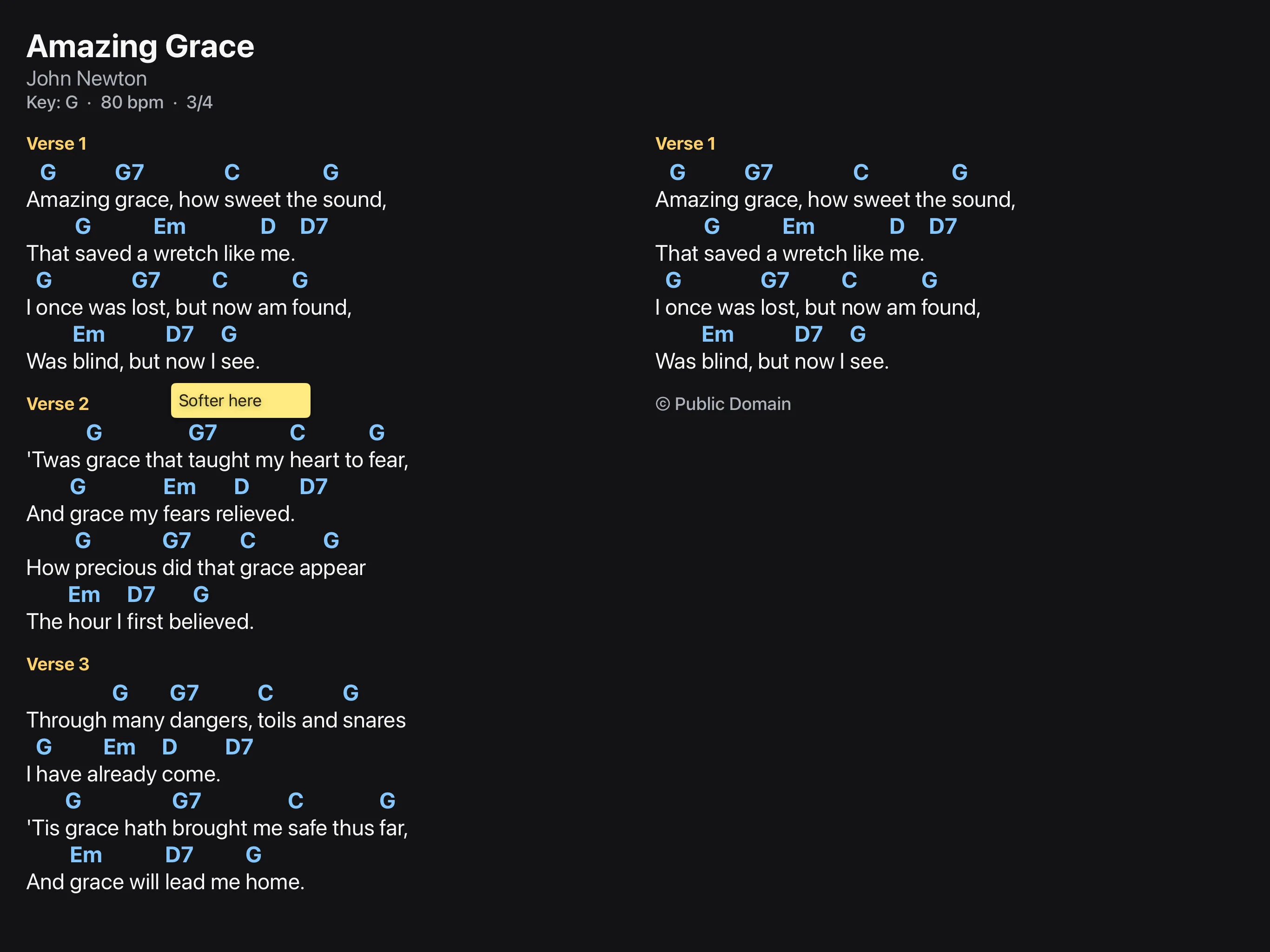
Write on the chart with Apple Pencil or a finger, or stick a typed note to a line. The note stays with its line when you transpose or change the text size.
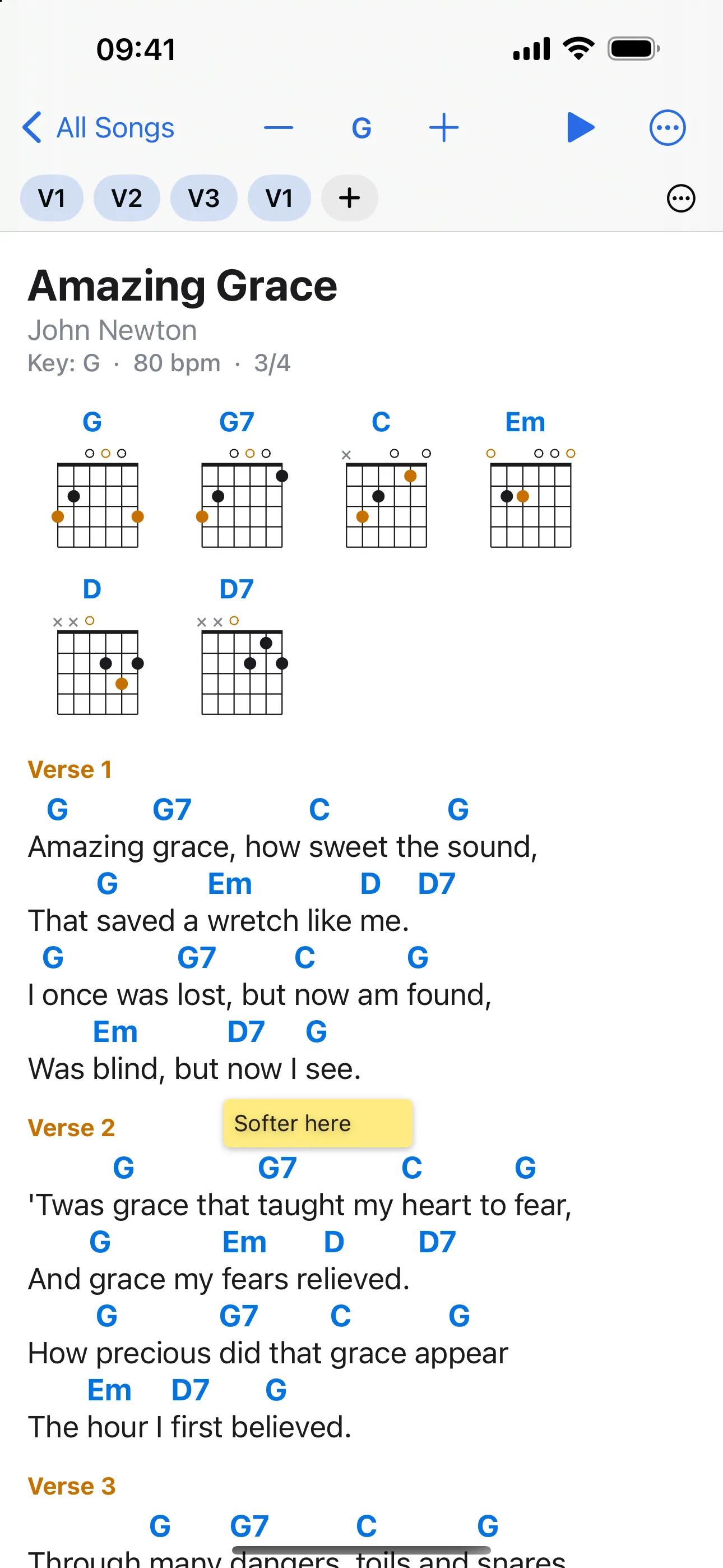
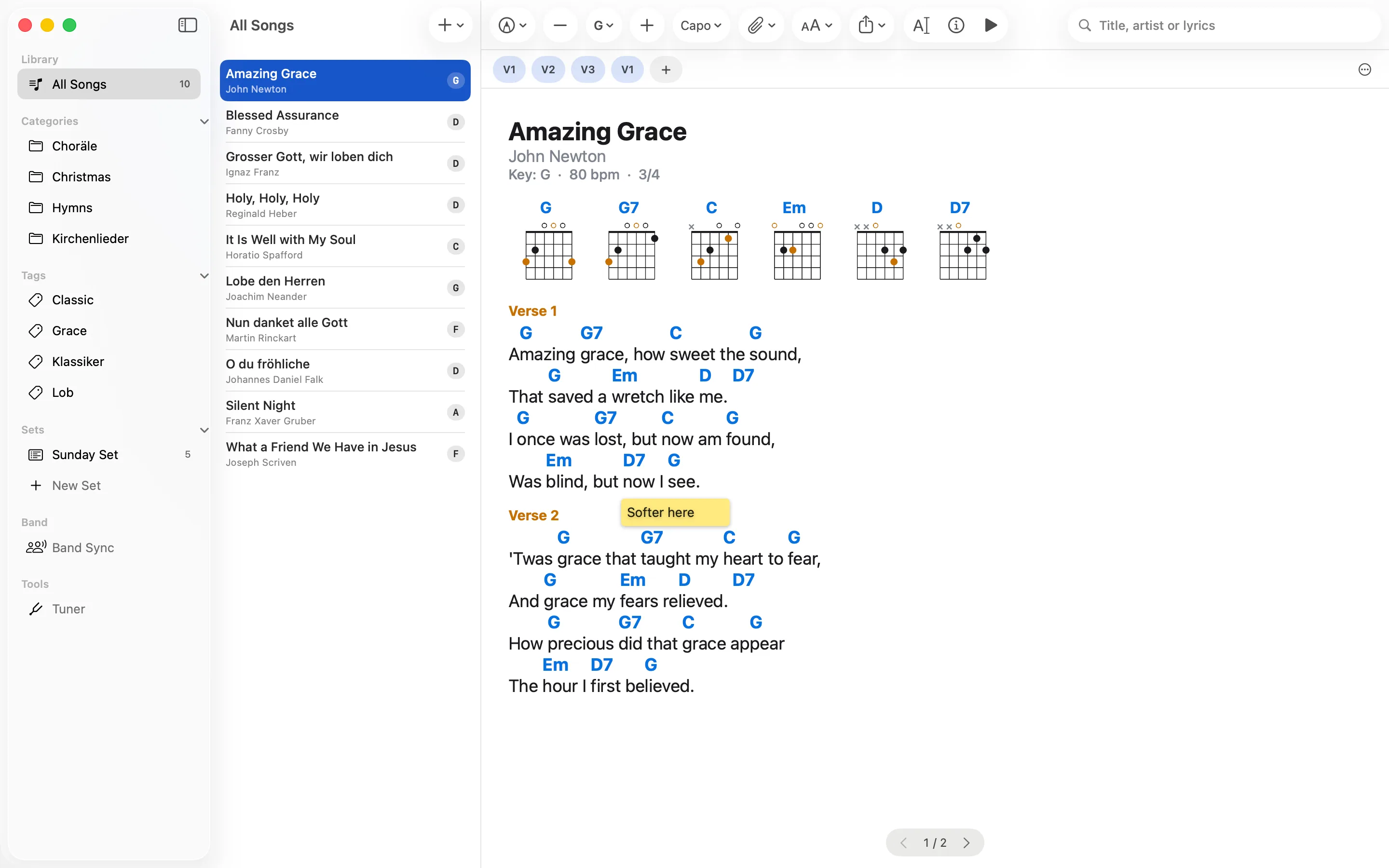
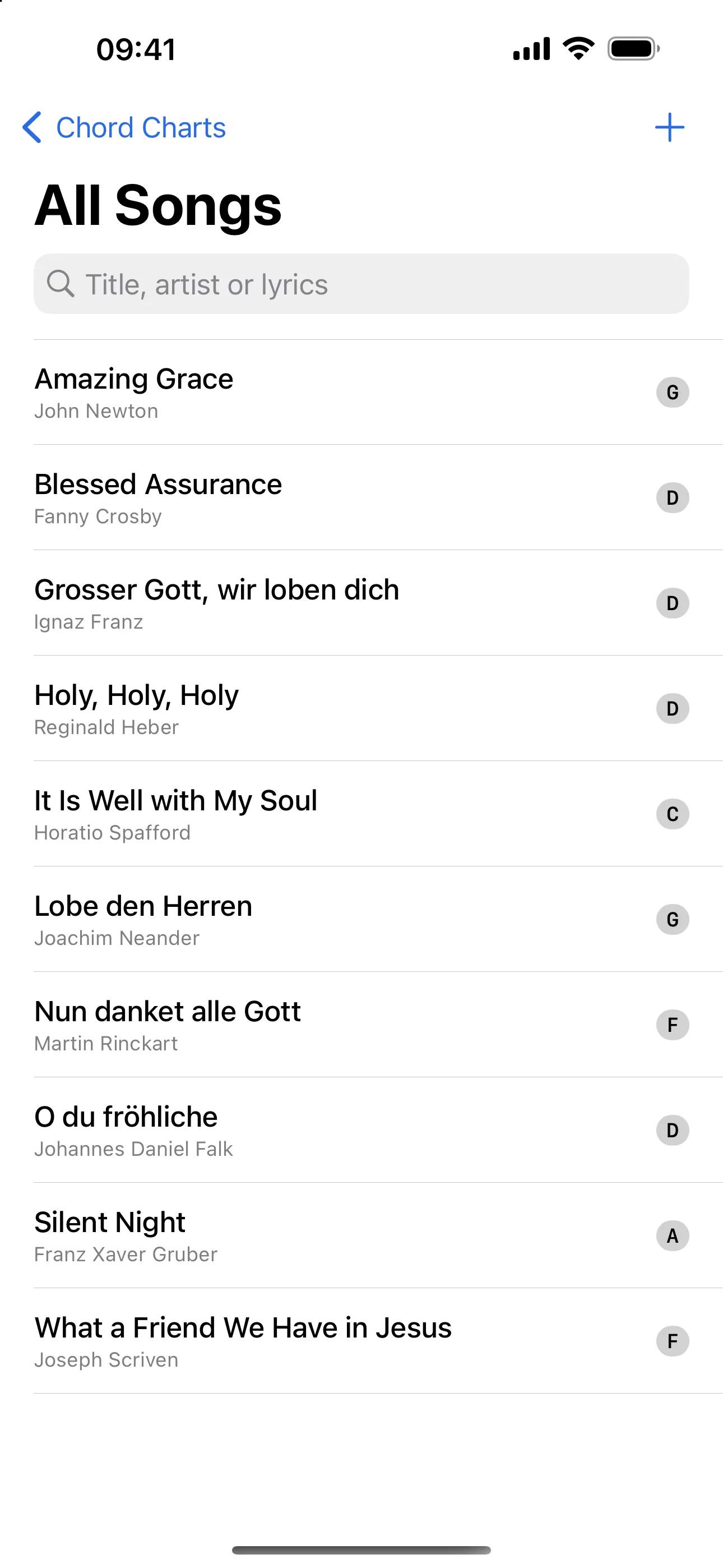
Songs are plain text files in ChordPro or OnSong format, and sheet music as PDF, in a folder you choose. Put the folder in iCloud Drive, for example, and iPhone, iPad and Mac show the same library; the cloud service keeps them in step, not the app. The app has no song format of its own, and nothing is locked in.
Chord Charts Pro is developed by Marco Salathe, a guitarist who wrote the app for playing in a band and uses it on stage.
Chord diagrams, sets, a metronome you can see, Band Sync and the rest are on the features page.
Questions? See the support page or write to support@chordchartspro.com.