Getting started
Five steps from opening the app to playing a song full screen.
Steps
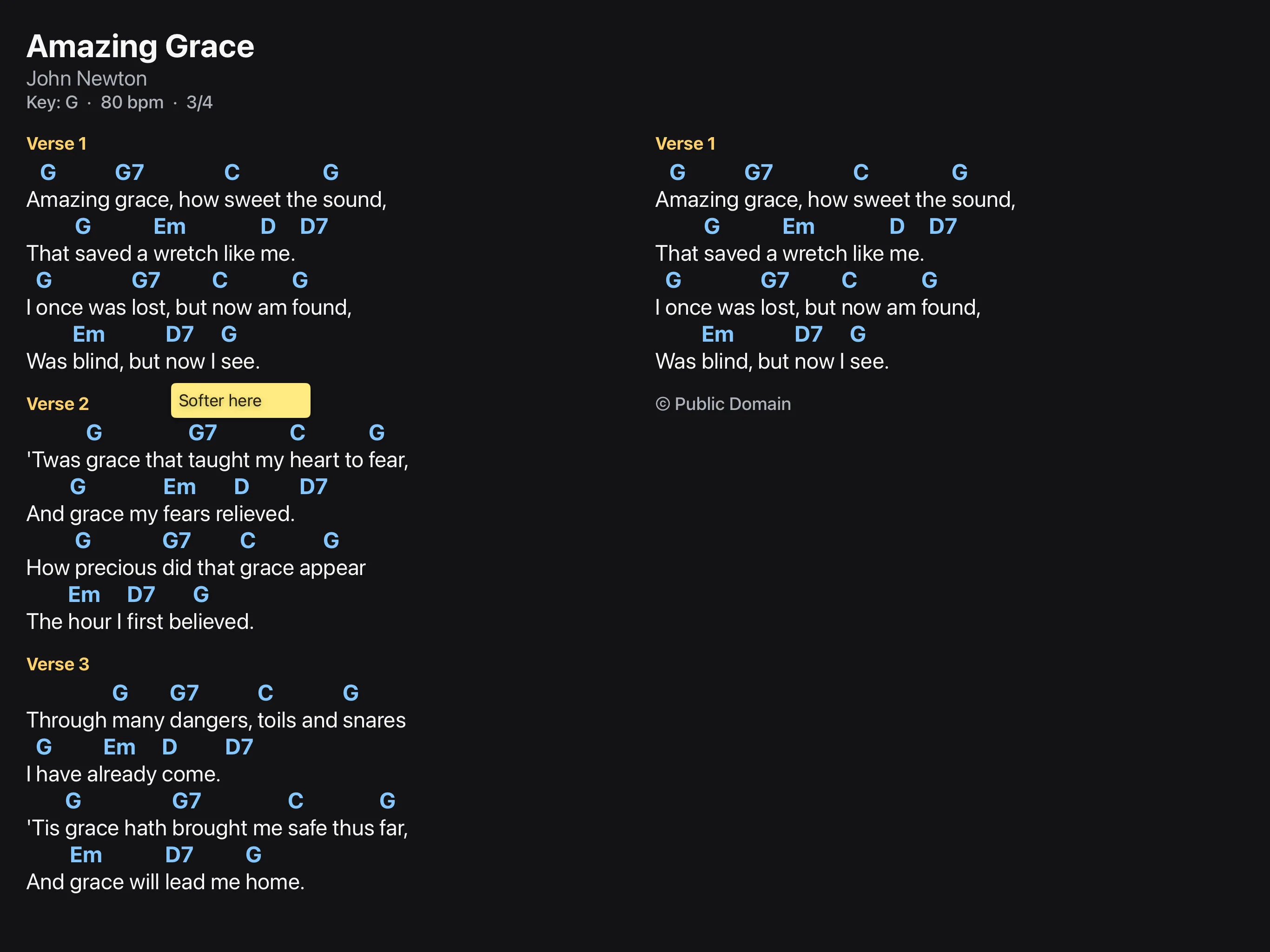
- Open the app. The list holds three songs in the public domain to try out.
- Tap a song. The chord chart appears on the right.
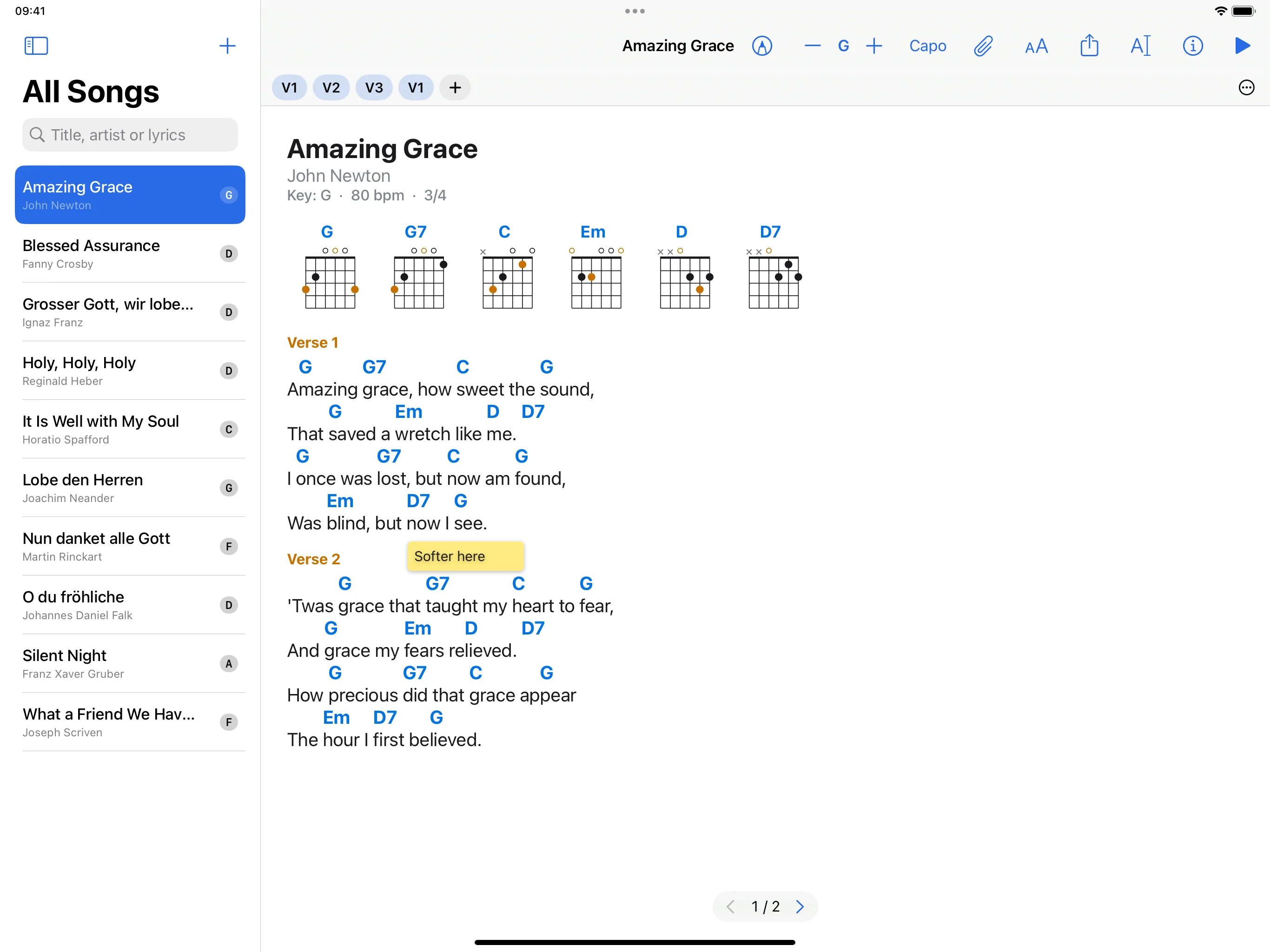
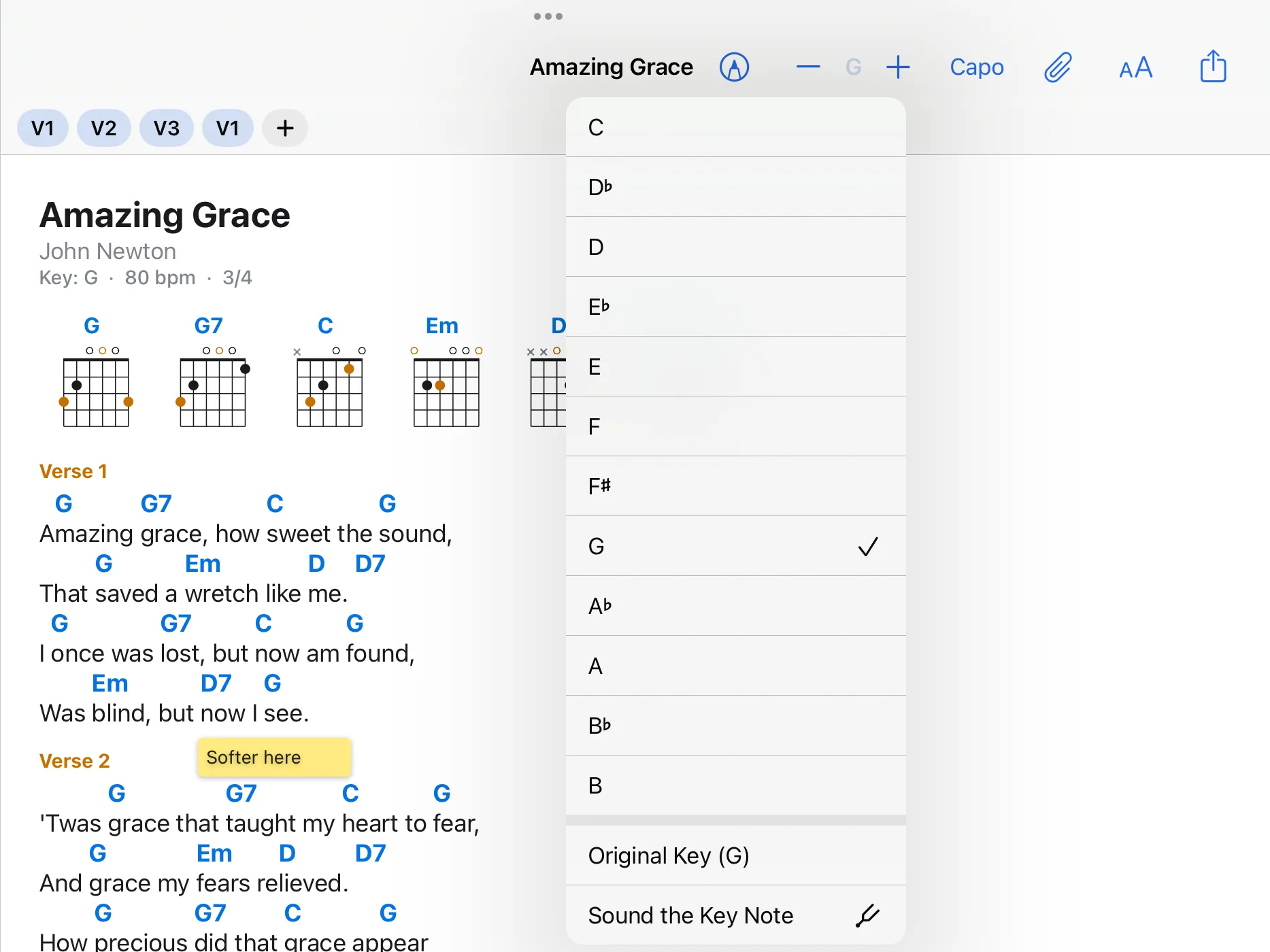
- In the bar at the top, tap plus or minus: the song moves up or down a semitone. A tap on the key between them shows all keys.
- Tap the triangle on the far right (Start Performance). The chart fills the screen.
- Tap on the right or swipe to the left to turn to the next page, tap on the left to go back. A tap in the middle shows the bars; the cross at the top left closes the performance.