On stage: turning pages, pedal, quick pick
How to turn pages without your hands, change songs at short notice and keep the bars out of the way during a performance.
Turning pages
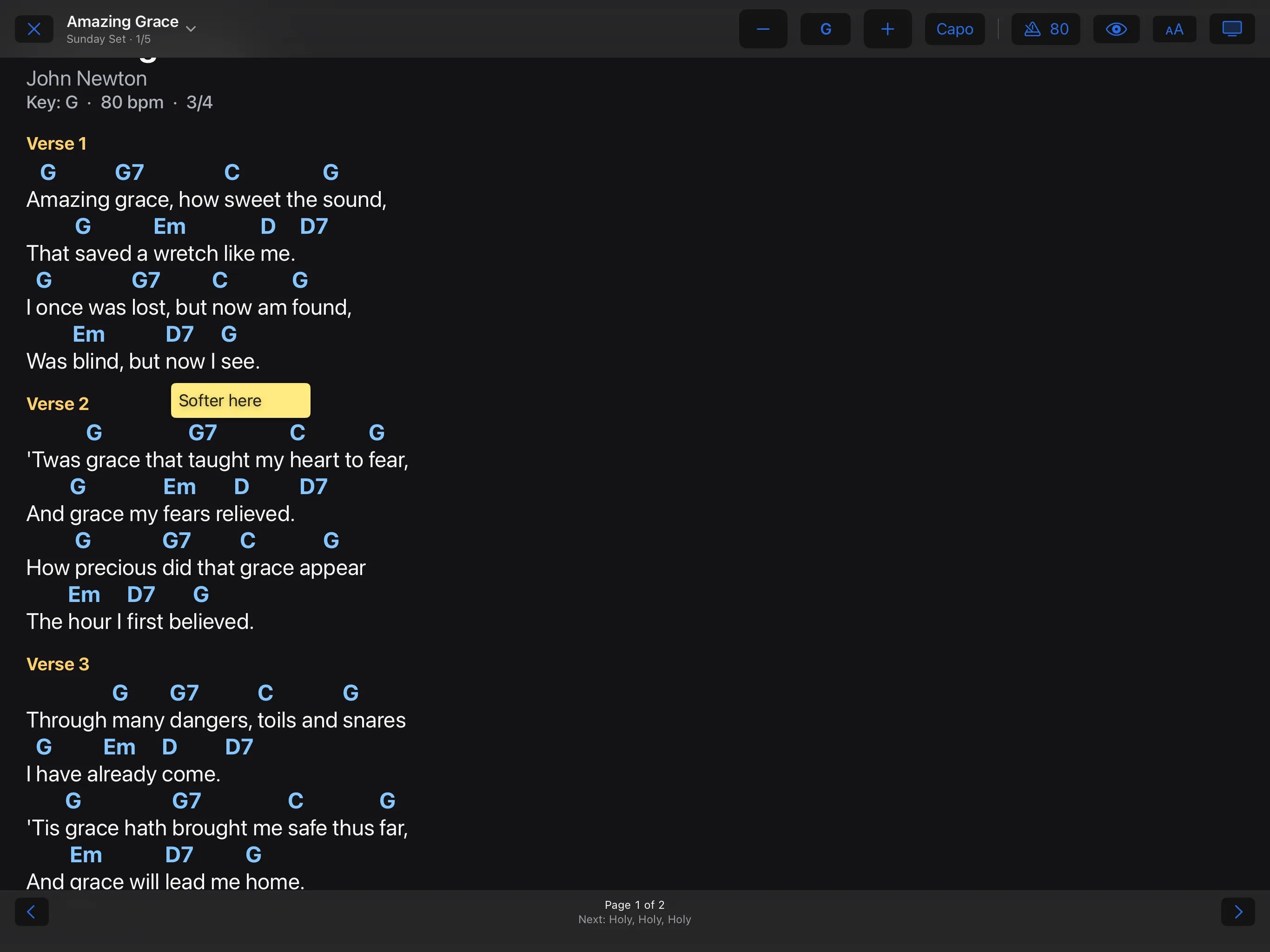
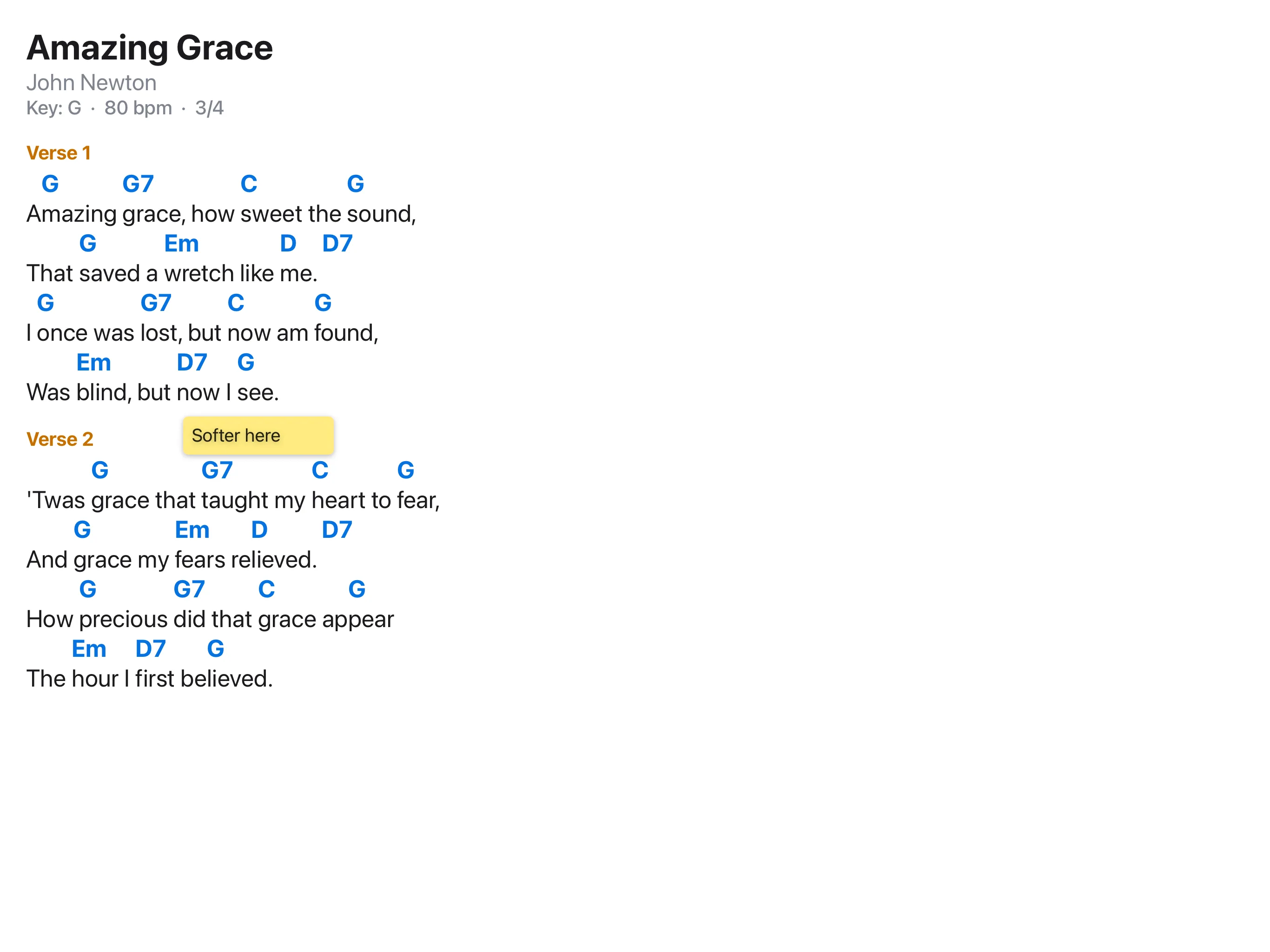
Tap on the right or swipe to the left for the next page; tap on the left or swipe to the right for the previous one. With a keyboard: arrow keys, space bar, return, page up and page down.
Bluetooth pedal
Pair a pedal that sends arrow or page keys with the device, in the Bluetooth settings of the system. It turns pages straight away, without any setup in the app.
Changing what keys and taps do
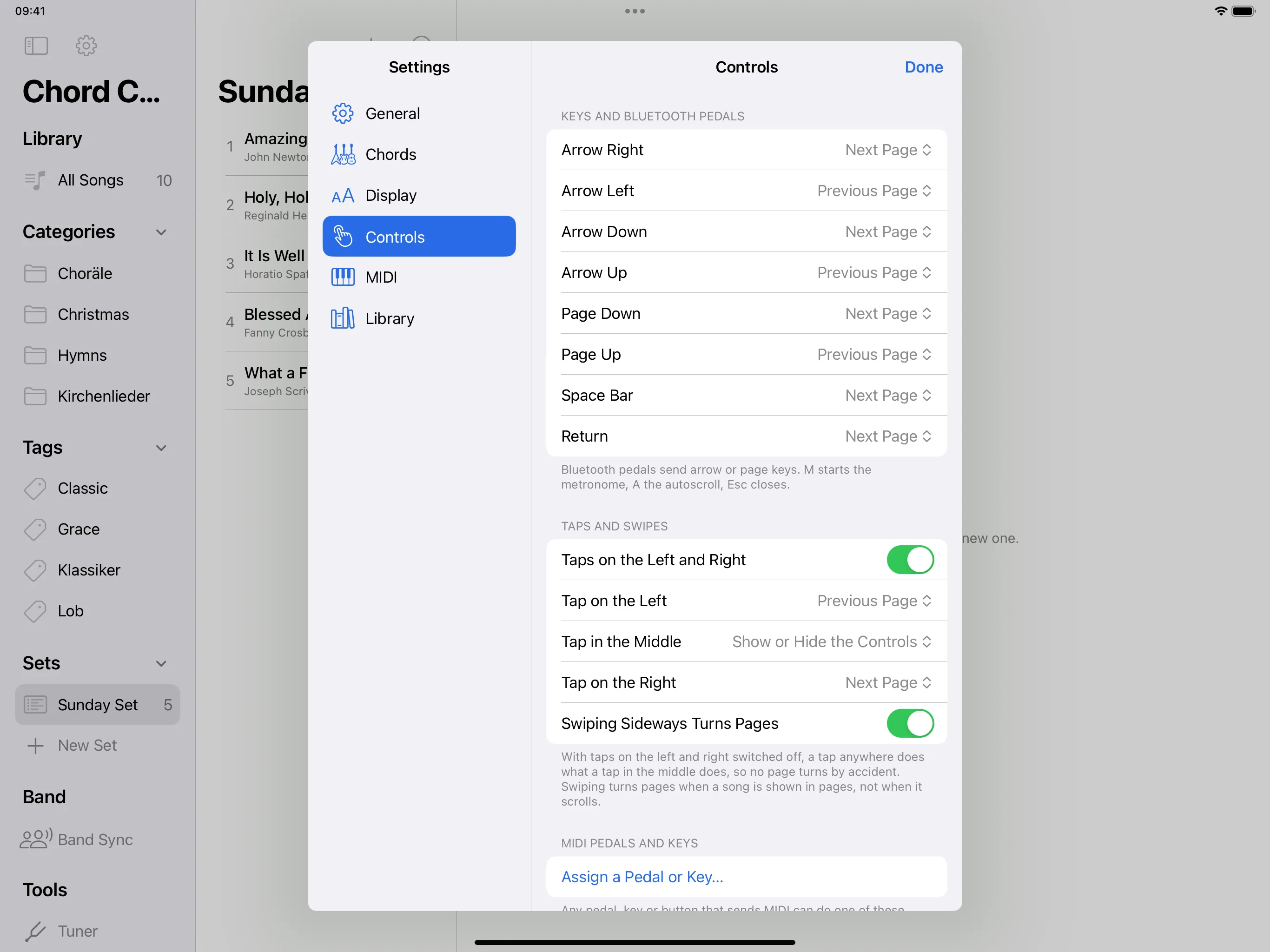
Settings → Controls. For every key, and for taps on the left, in the middle and on the right, you choose what happens.
MIDI pedal or key
Settings → Controls → Assign a Pedal or Key…, then press the pedal and choose an action.
Another song at short notice
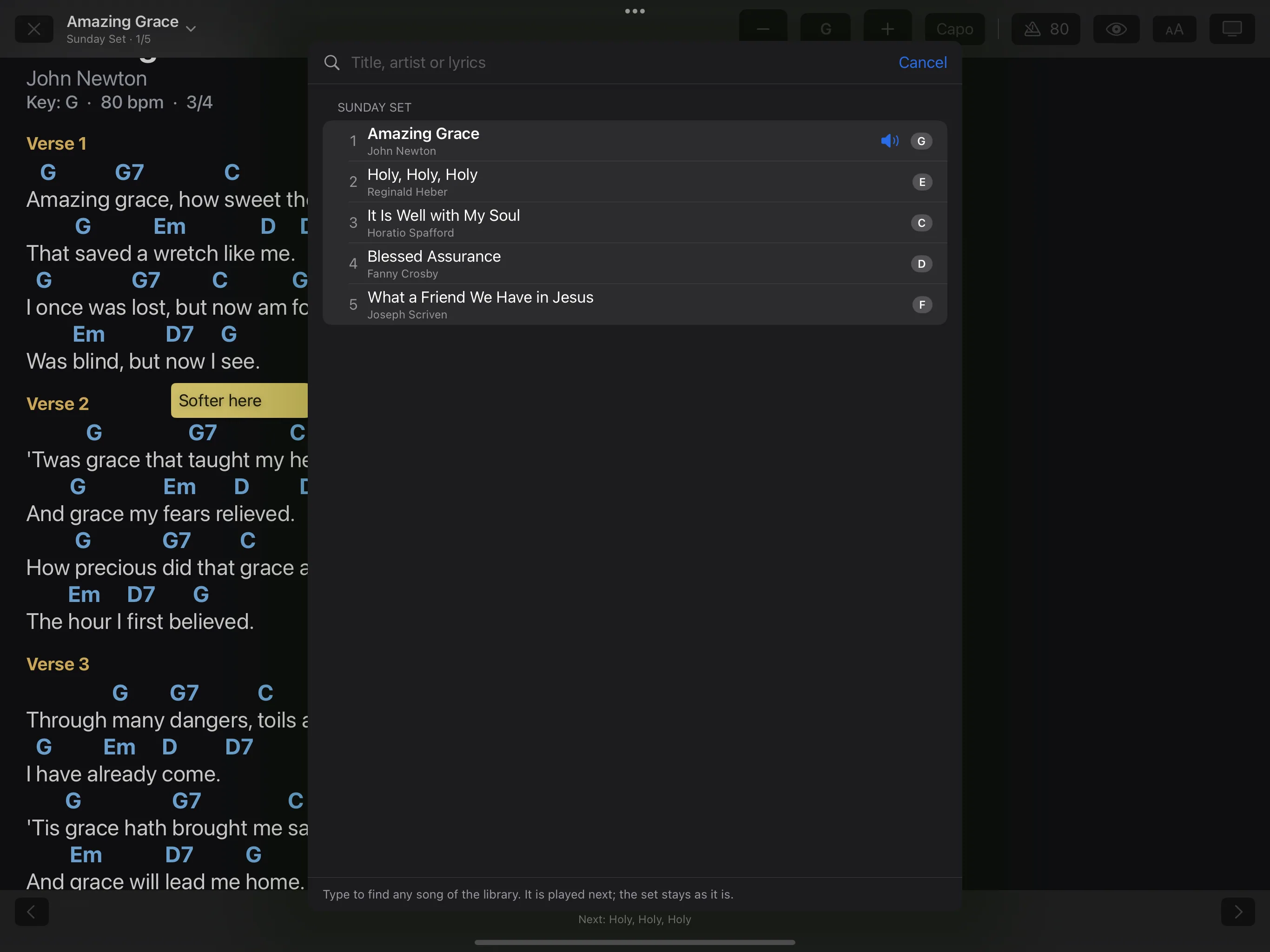
In the performance, tap the song title at the top. The Quick Pick shows the songs of the set; a few letters in the search field find any song in the library. The set itself stays as it is.
One press too many
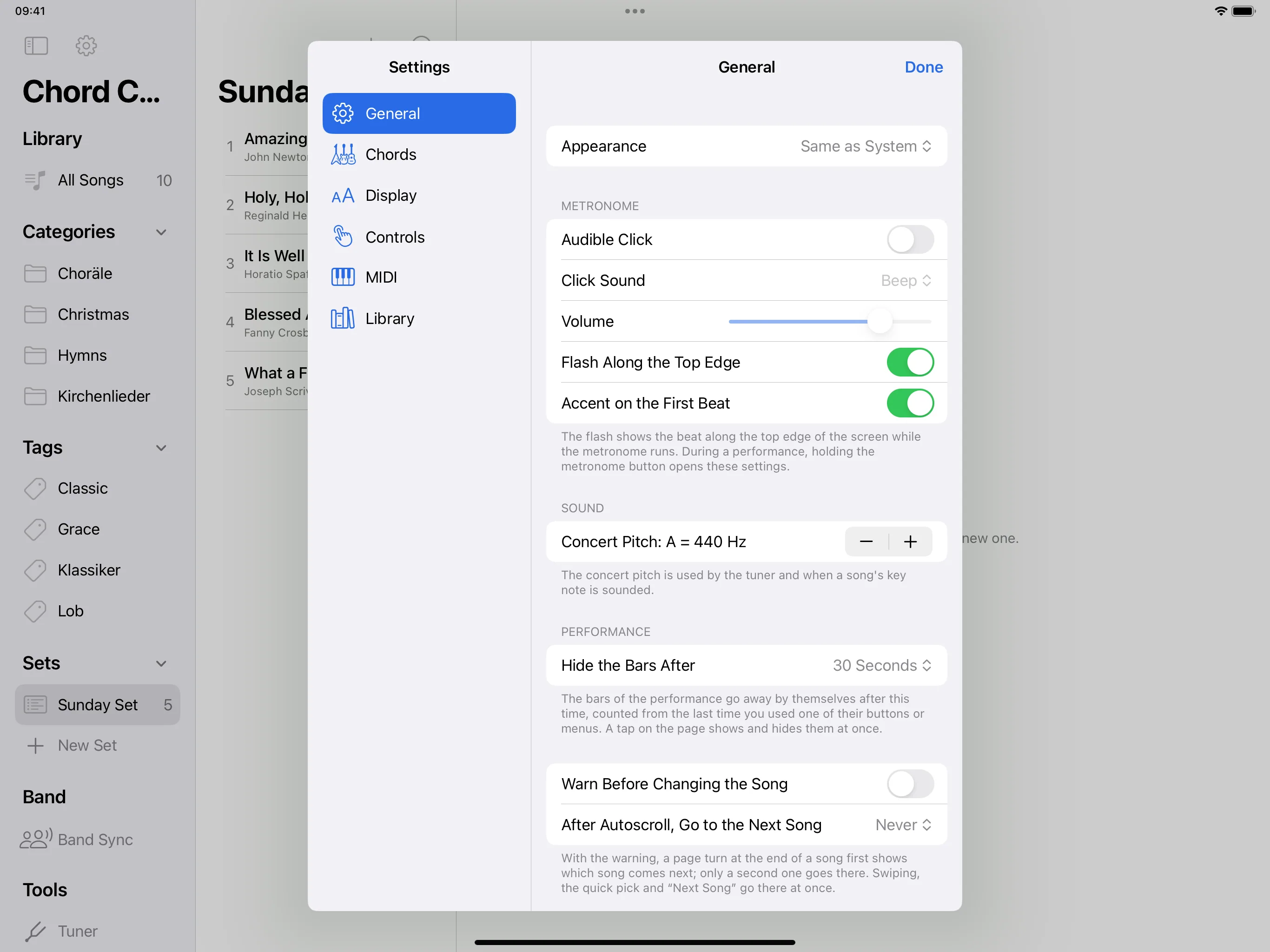
Settings → General → Warn Before Changing the Song. A page turn at the end of a song then first shows which song comes next; only the second one changes the song.
The bars
A tap in the middle shows and hides the bars. How long they stay: Settings → General → Hide the Bars After.