Put a set together and play it
A set is a list of songs for one occasion. In a performance it runs from one song into the next.
Steps
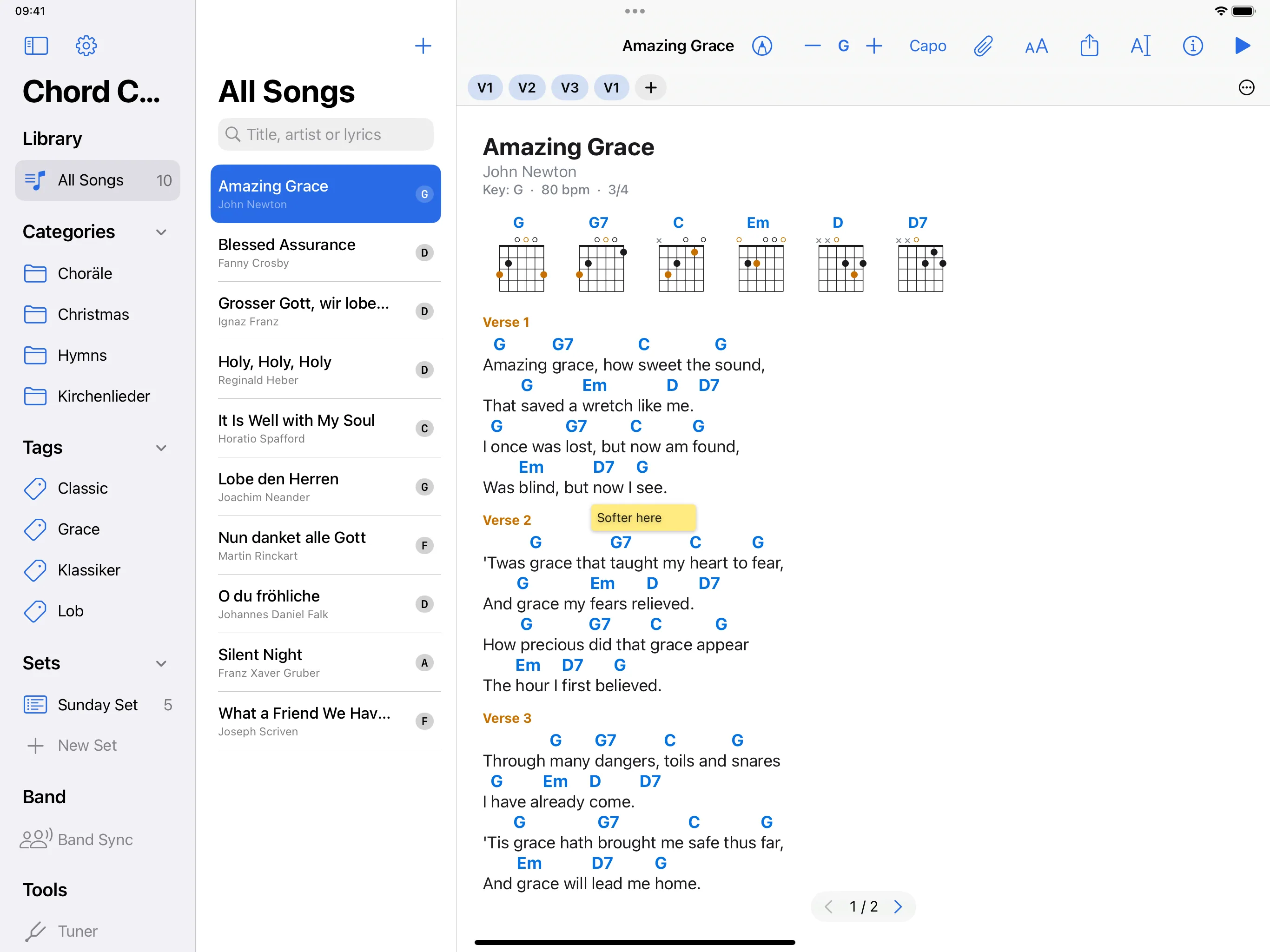
- In the sidebar, under Sets, tap New Set and give it a name.
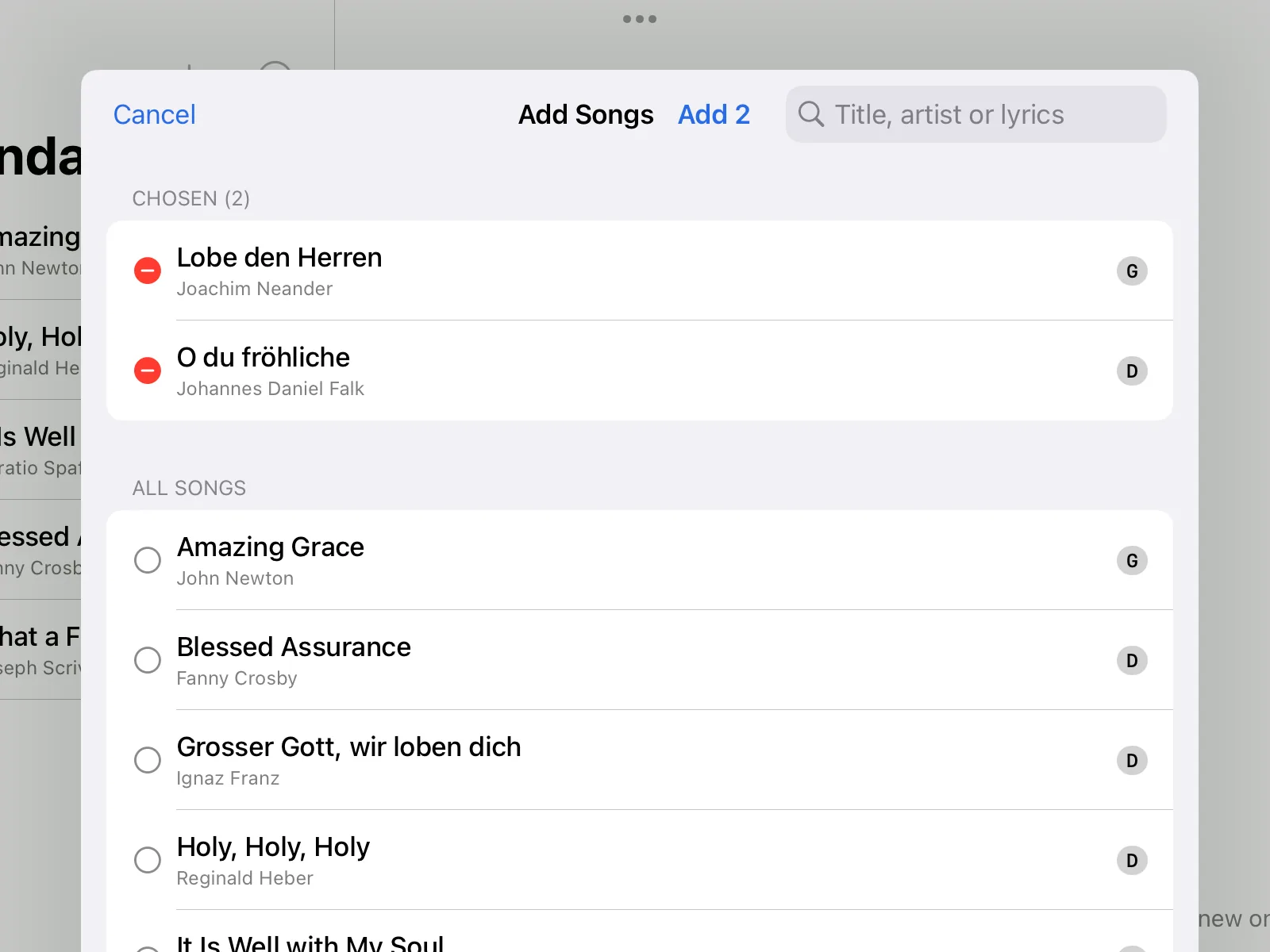
- In the set, tap the plus (Add Songs). Tap the songs you want; the chosen ones are listed at the top. The search field helps in a large library. Take them over with the button at the top, for example Add 2 for two songs.
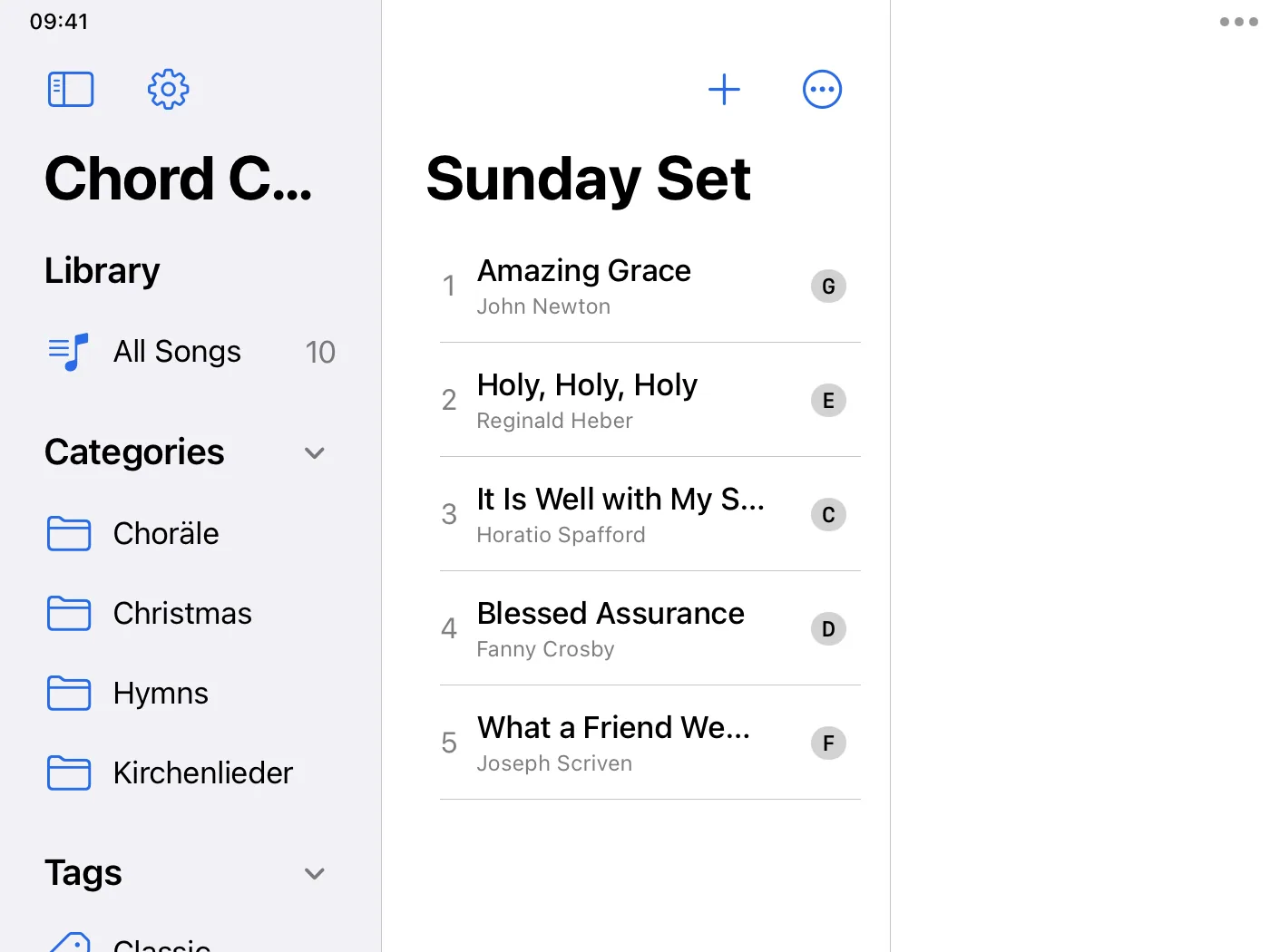
- You can change the order of the songs in the set. Key and capo that you set in the set apply only there.
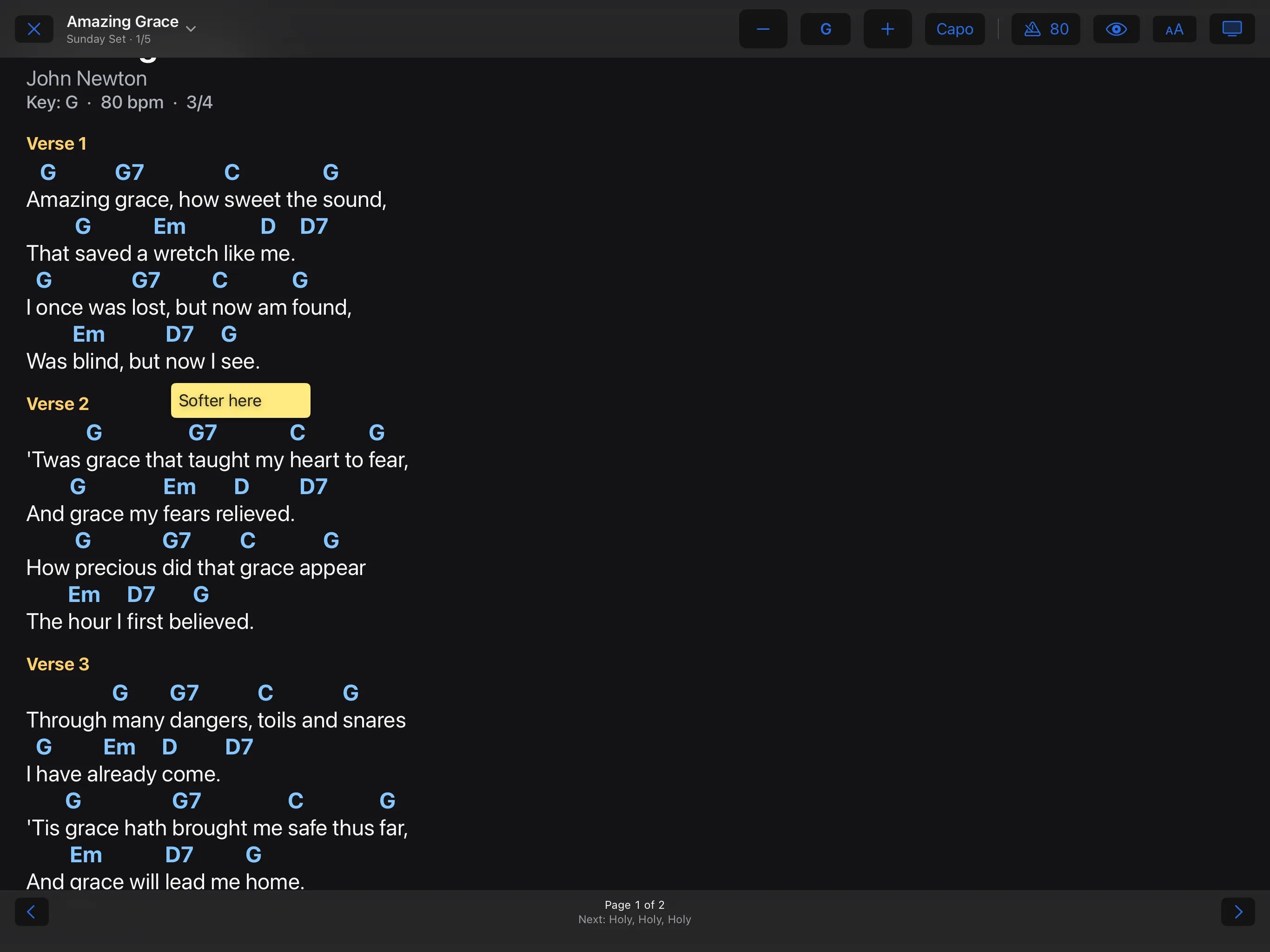
- Start Performance plays the whole set: at the end of a song, turning the page leads into the next one. At the bottom you see which song follows.