
Second screen
Show the lyrics to the audience, part by part, or the chart to the band on a second screen.
Steps
- On the iPad or iPhone, connect a display or use AirPlay. On the Mac, the Projection Window menu opens a window that you move to the second screen.
- In the performance, tap the screen button at the top right.
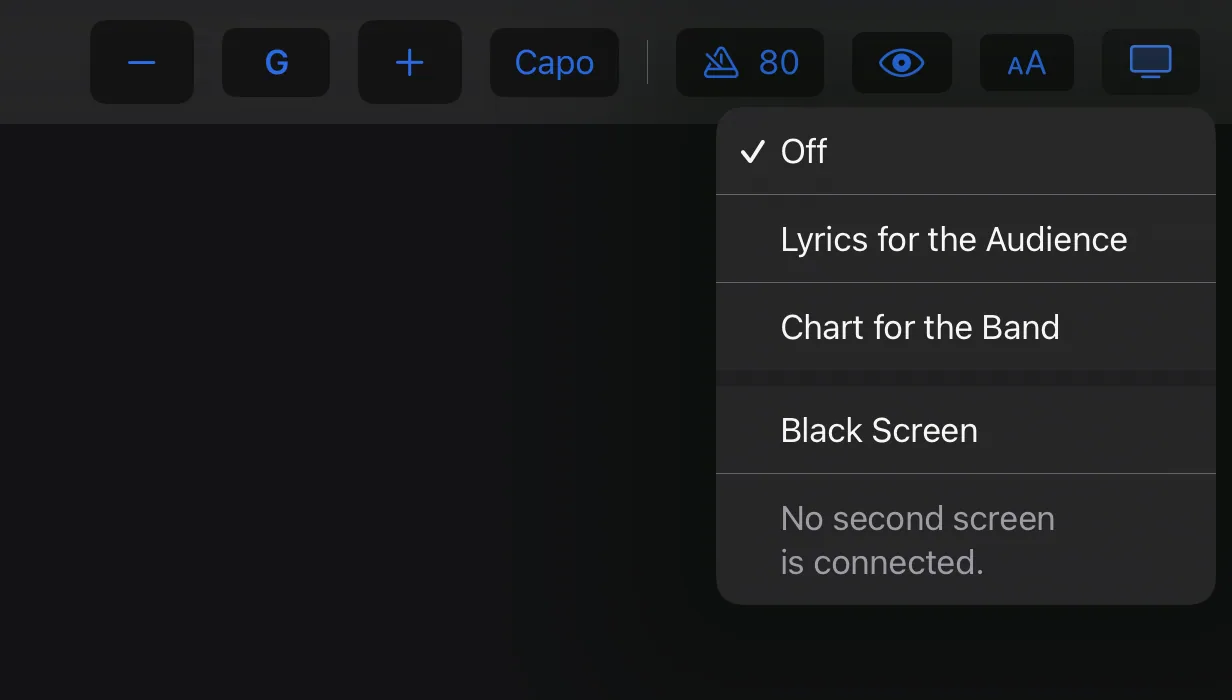
- Lyrics for the Audience shows the lyrics without chords, part by part. You choose the parts in the bar at the bottom.
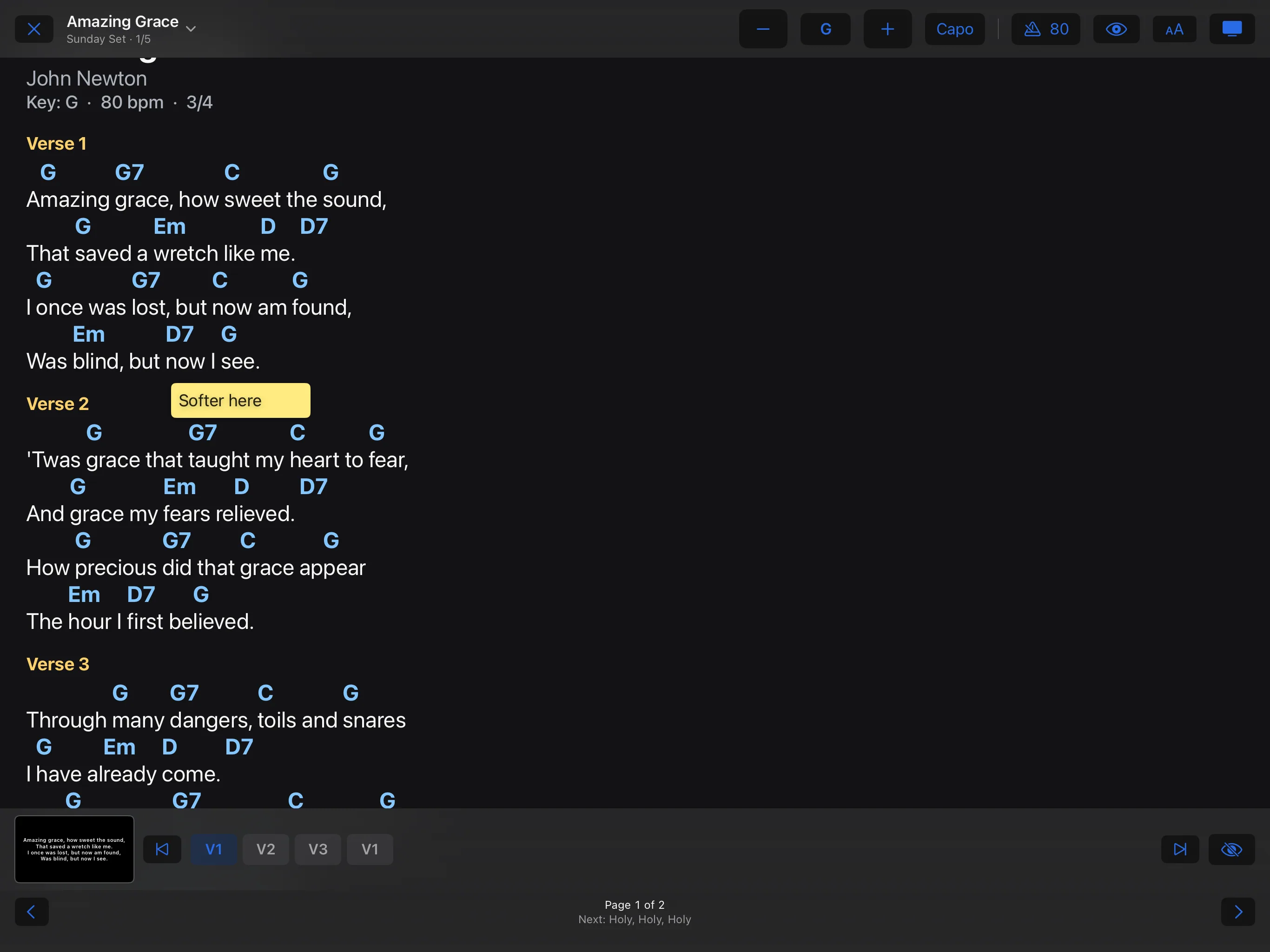
- Chart for the Band shows the same chart as on your own device. Black Screen blanks the second screen.