
Several devices and backup
Keep iPhone, iPad and Mac on the same state through a folder that you choose yourself, and save the whole library in one file.
iPhone, iPad and Mac on the same state
- Settings → Library → Choose Folder….
- Choose a folder in iCloud Drive or Dropbox. If it is empty, the app copies the current library into it.
- Choose the same folder on every other device.
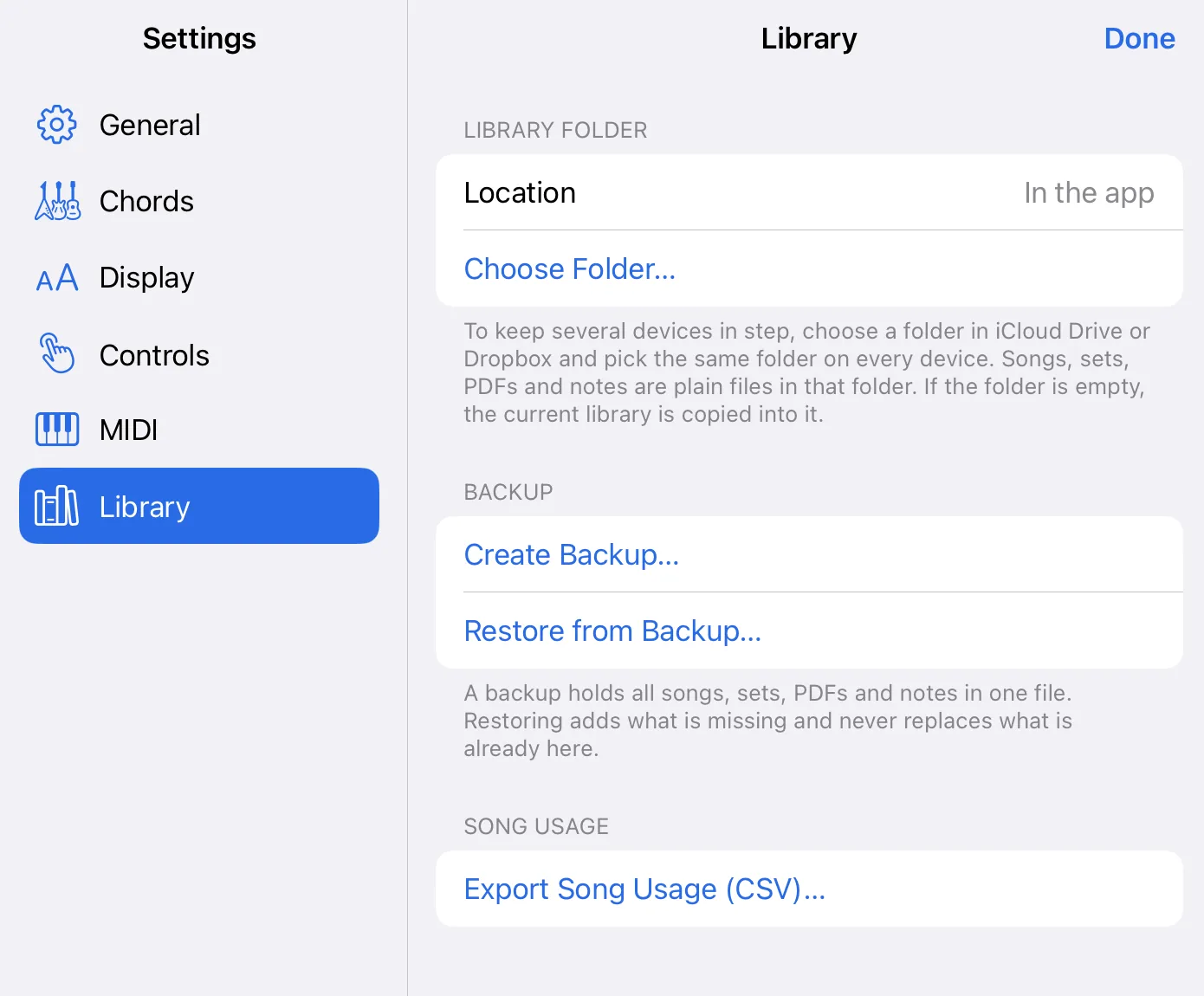
Songs, sets, PDFs and notes are ordinary files in this folder. The cloud service keeps the devices in step, not the app.
Backup
Settings → Library → Create Backup… puts everything into one file. Restore from Backup… adds what is missing and never replaces what is already there.
What does not work
If the same song is changed on two devices at the same time, the app does not merge the changes.