Metronome and autoscroll
A metronome you can see, and a chart that scrolls by itself. Both work during a performance.
Metronome
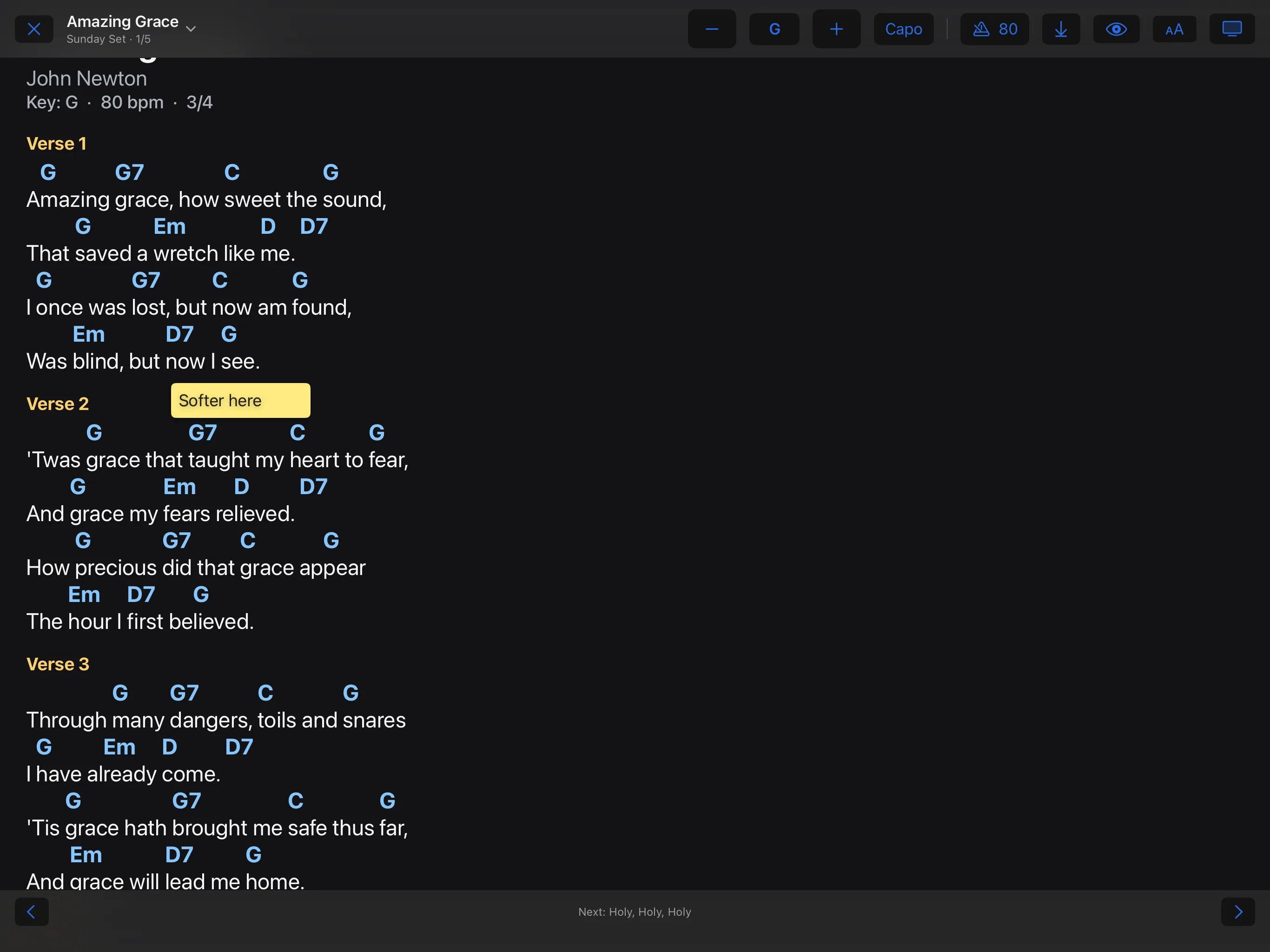
In the performance, tap the button with the tempo, or press M. Tempo and time signature come from the details of the song. The beat flashes along the top edge of the screen.
See it, don’t hear it
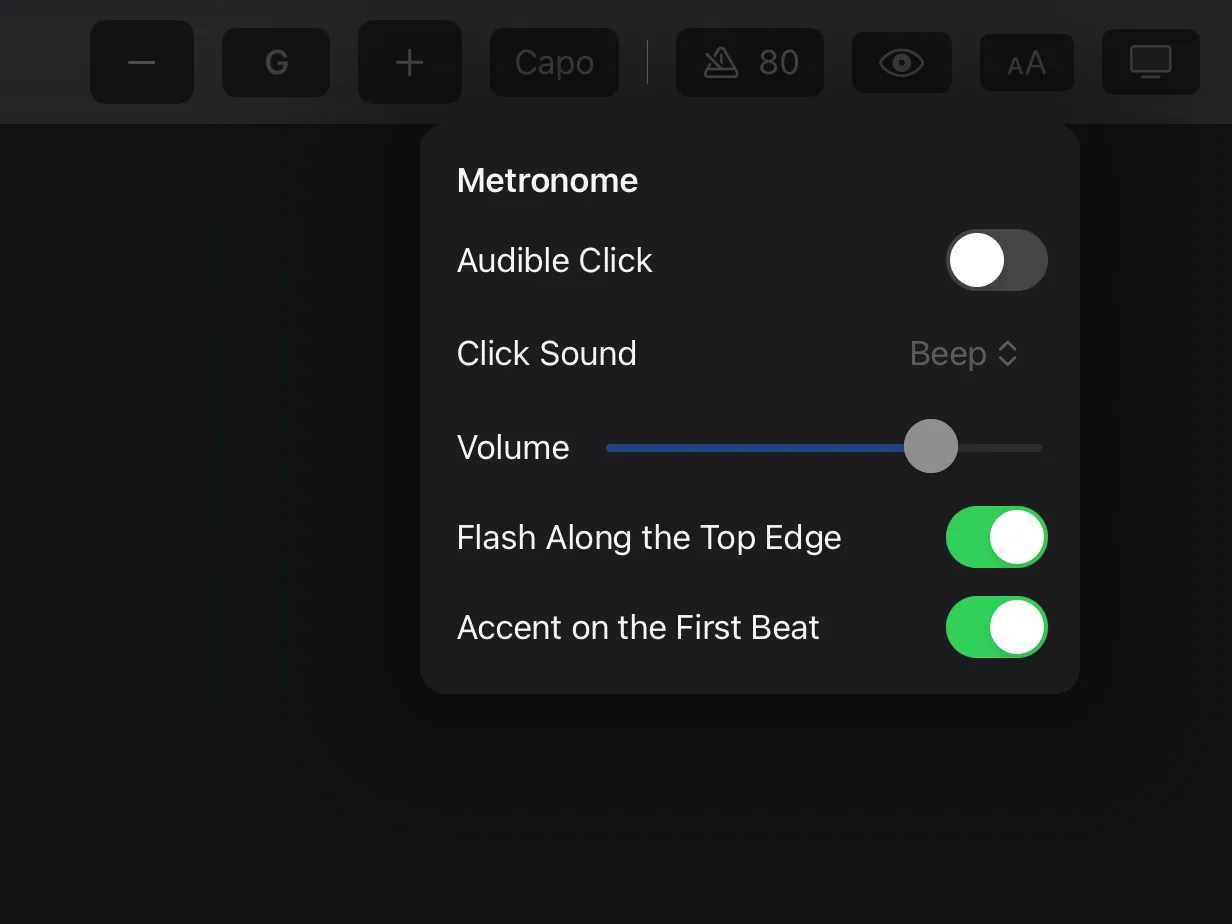
Hold the metronome button and switch off Audible Click. In the same panel you also set Click Sound, Volume, Flash Along the Top Edge and Accent on the First Beat.
Autoscroll
- First let the chart scroll instead of turning pages: open the view menu (“AA”) and choose Scrolling.
- In the performance, the autoscroll button starts the scrolling, or the A key.
- The speed follows the duration in the song info. You can adjust it.